
Devices Tycoon Device Presentations: A Launch Guide
Learn how Devices Tycoon device presentations build launch hype, attract fans, and work alongside press conferences, DevicesGram, and marketing campaigns.
Jump to
What Do Device Presentations Do in Devices Tycoon?
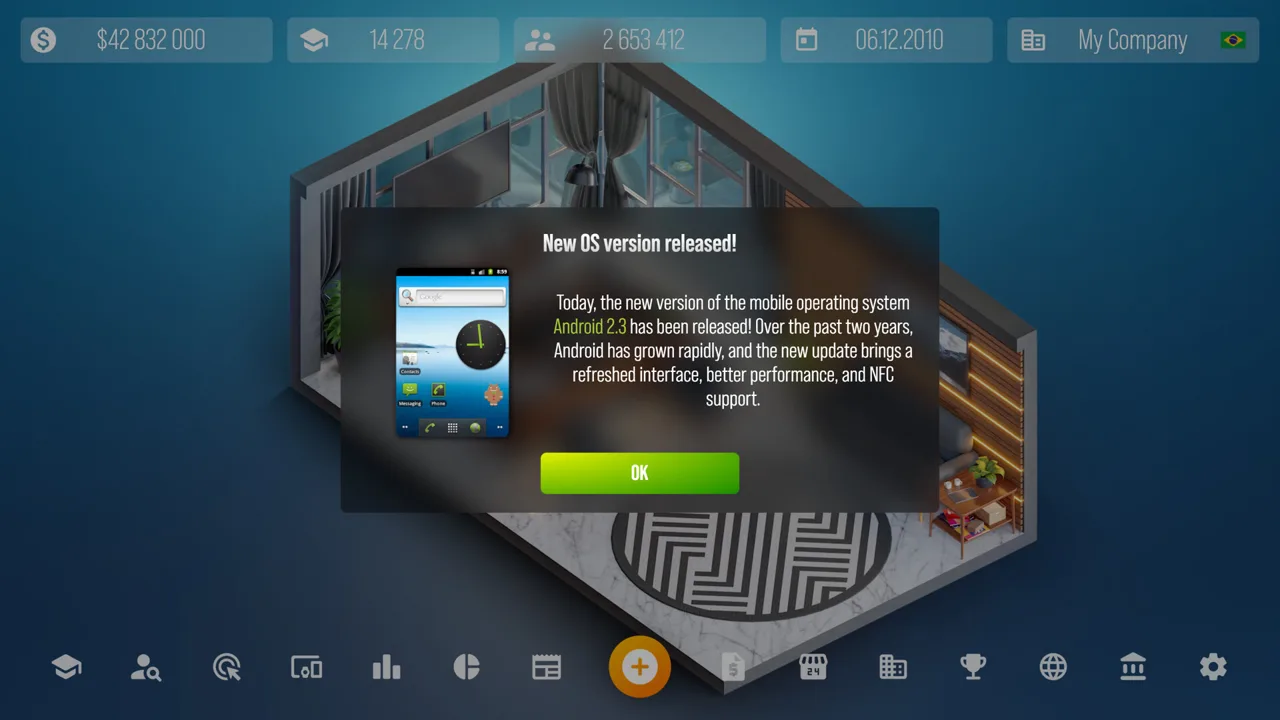
Your next device deserves an audience before it reaches store shelves. Devices Tycoon device presentations help attract new followers and increase excitement before release, giving your product reveal a place in your company’s growth strategy. Devices Tycoon device presentations also give different devices their own showcase style, making each announcement feel distinct.
On PC, you can present new devices in front of your fanbase before sales begin. That makes presentations part of your launch preparation, alongside the work of designing products and managing your company’s public image.
| Presentation feature | What it does |
|---|---|
| Showcase for your fanbase | Introduces your new device to your audience |
| Follower growth | Helps attract new followers |
| Prerelease hype | Builds excitement ahead of release |
| Device-specific presentation style | Gives different devices a distinct showcase |
Think about presentations within the full product cycle. Your company creates the device, introduces it publicly, and eventually receives customer reviews when it reaches store shelves. Higher customer review scores support better sales, so product development deserves attention alongside promotion.
Use Devices Tycoon device presentations to support a device you have put thought into. Review its design, keep your public announcements focused on that product, and follow its performance after release. That gives you a useful connection between what you built, how you introduced it, and how customers responded.
Official page: Devices Tycoon (roasterygames.com)
Prepare the Product Behind the Presentation
A presentation gives your device a public debut. The device editor gives you the product being introduced, with choices covering appearance, hardware, and packaging.
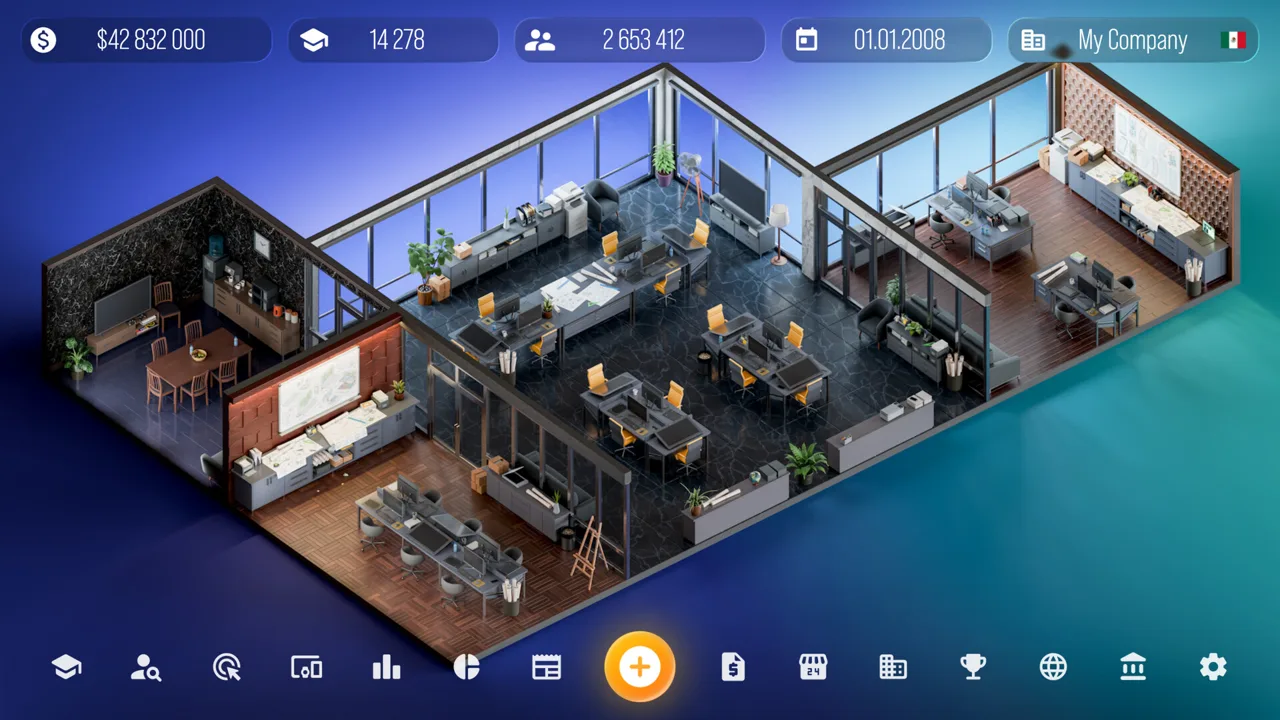 Image: Steam / Roastery Games
Devices Tycoon lets you create smartphones, tablets, laptops, smart watches, headphones, TVs, operating systems, and processors. Its editor includes more than 10,000 customization functions across device creation.
| Editing area | Examples of available choices |
|---|---|
| Physical appearance | Device size and color |
| Display | Screen selection |
| Computing hardware | Processor and graphics card |
| Audio | Speakers |
| Product packaging | Packaging customization |
Review the choices relevant to your current device before presenting it. Keep a clear idea of what you are making: an affordable model, a standard offering, or a flagship. The game includes Budget, Standard, and Flagship settings, giving those product decisions a practical place in development.
Keep Related Models Consistent
Update 1.1 added the ability to copy settings from previous device models. It also changed the editor so settings persist when switching between Budget, Standard, and Flagship.
Use copied settings when developing a follow-up to an existing model, then review the features you intend to change. This helps you carry forward deliberate design choices while giving the new device its own identity.
For example, start a successor from a previous model’s settings and inspect its screen, processor, appearance, and packaging. Focus your review on what distinguishes this release from the earlier device rather than rebuilding every choice from memory.
Connect Development With the Reveal
Keep the product itself at the center of your launch preparation:
- Review the editable specifications relevant to the device.
- Check the appearance and packaging you selected.
- Revisit copied settings before finishing a successor.
- Use available device-related social events to introduce your progress.
- Review customer feedback once sales begin.
Devices Tycoon device presentations belong in that sequence before sales. Give the reveal a clear purpose within your company’s activity, then carry your attention forward into reviews and financial results.
Coordinate Presentations, Press Conferences, and DevicesGram
Your company has several ways to attract attention, and each involves different decisions. Presentations showcase new devices, press conferences put you in front of journalists, and DevicesGram gives you a place to publish updates for fans.
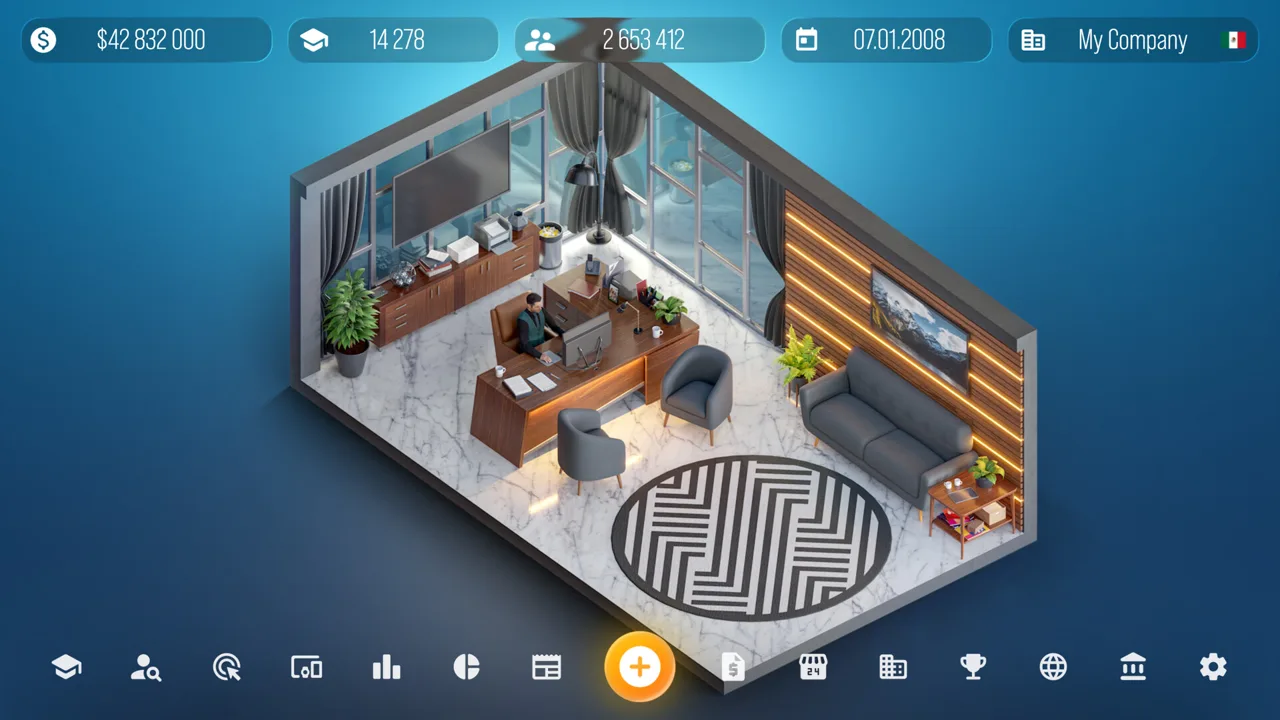 Image: Steam / Roastery Games
Keep those activities connected to your current products and company milestones. They all contribute to public visibility, but the actions you take within them differ.
Answer Journalists Thoughtfully
Press conferences appear from time to time and let you answer questions from journalists. Your responses directly affect company reputation and device hype.
Some questions can be challenging or provocative. Respond thoughtfully, address the question, and avoid rude answers or complete evasion. Your handling of the exchange shapes your public image and how fans react to announcements.
When planning Devices Tycoon device presentations, pay attention to press opportunities around the same period. Treat each response as another public statement about your company. Keep your answers measured even when a journalist pushes you toward a defensive reaction.
Give Fans Updates Through DevicesGram
DevicesGram lets you create a virtual social account and customize its name, description, logo, colors, gradients, and logo background. Its post editor also supports backgrounds, images, and text styles.
As you develop devices and reach company milestones, themed events become available to publish. These posts can generate hype and attract fans, with audience reactions appearing as likes, comments, and shares.
Publish relevant development events as they become available. Choose visuals and descriptions that keep attention on the device or milestone involved. This gives your company’s social activity a consistent subject while you prepare for a release.
Update 1.3 added replies to Devicesgram comments. Use that feature to respond to your audience alongside publishing new posts.
Share Award Wins
Annual awards introduce another opportunity for company recognition. Different award categories let your business gain status and earn bonuses, and you can share a win with fans on DevicesGram.
Publish the award event when your company wins. Keep device announcements and company achievements visible through the social tools available to you, while continuing to prepare the next product.
Support the Launch With Marketing Campaigns
Devices Tycoon device presentations build excitement around a reveal. The PC marketing system gives you additional control over device promotion through campaign types, spending, regional targeting, and employees.
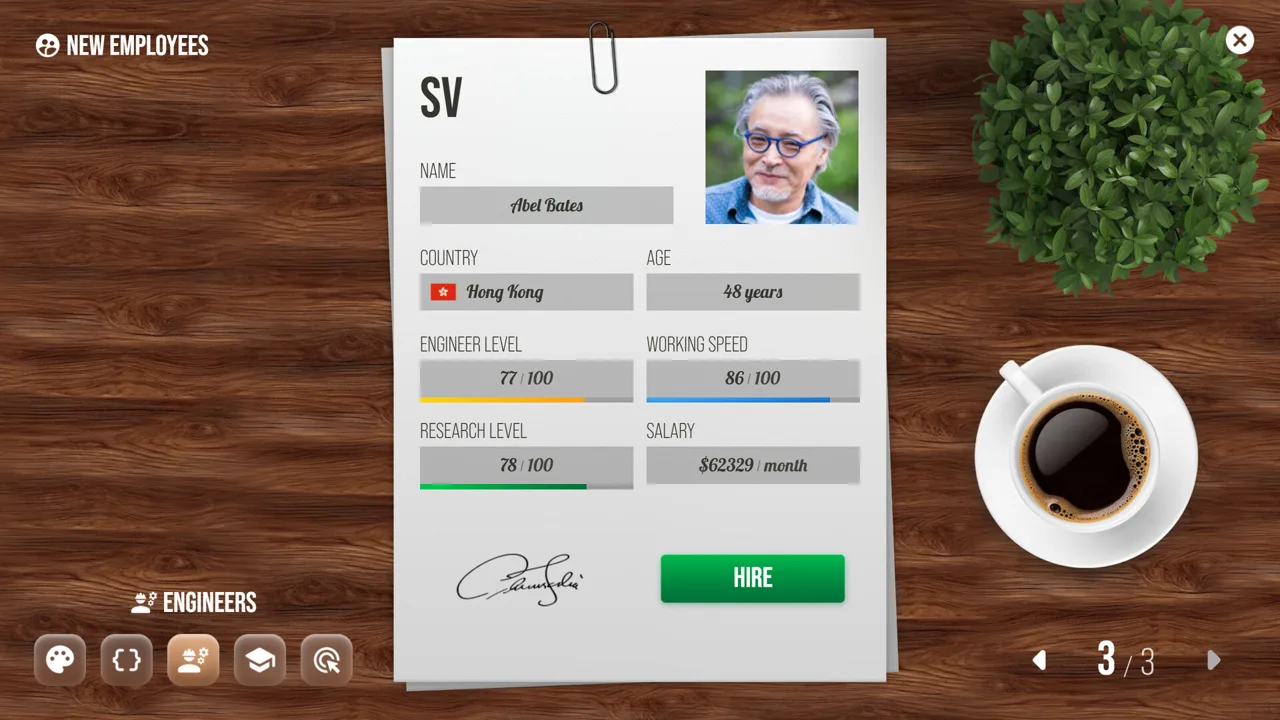 Image: Steam / Roastery Games
Marketing operations run through the Marketing Office, which you can expand and upgrade. Hire marketers before launching campaigns; they are the employees who run those operations.
| Marketing element | Available control or effect |
|---|---|
| Marketing Office | Houses marketing operations and supports expansion and upgrades |
| Marketers | Run campaigns; experienced employees improve efficiency and reduce costs |
| Marketing type | Determines the promotional method used |
| Daily budget | Sets the campaign’s daily spending |
| Target regions | Determines the regions selected for the campaign |
| Marketing analysis | Identifies effective strategies as trends change |
Review the Method Before Committing Spending
Marketing trends change over time. A promotion type can become less effective, while another becomes more effective. Marketing analysis helps you identify those changes.
Run marketing analysis regularly and revisit the campaign types you use. Keep your choices aligned with current effectiveness, particularly when preparing promotion for another device release.
Review the daily budget as part of the same decision. The game gives you direct control over daily campaign spending, so use company financial statistics to keep that spending visible alongside other expenses.
Pay Attention to Your Marketing Staff
Campaign performance depends on both settings and employees. Experienced marketers can lower costs and improve efficiency, making staffing part of your promotional planning.
Review your marketing team alongside campaign settings. Consider the employees running a campaign whenever you assess its spending and effectiveness, rather than looking only at the selected promotion type.
Keep Older Devices in Your Plans
Marketing can promote devices even after they are no longer on sale. That gives your company promotional options beyond its newest release.
Review which device you select when creating a campaign. Keep the campaign’s subject deliberate, whether you are supporting a current product or promoting an older one.
Update 1.3 fixed an issue that left some devices out of the marketing selection list. Keep that change in mind when comparing your current PC game with earlier launch-period behavior.
Evaluate Results With Current PC Features
After the reveal, follow what happens across your company. Devices Tycoon device presentations concern followers and prerelease excitement, while customer reviews and financial statistics help you assess the product after it reaches the market.
Use several measures together:
- Follow changes in your company’s audience.
- Read customer reviews after the device reaches shelves.
- Inspect income and expenses in company statistics.
- Reassess campaign settings through marketing analysis.
- Continue publishing relevant company and device events.
Higher review scores support stronger sales. Read those reviews closely when planning the next device, and revisit the editable product choices that customer feedback makes relevant.
Account for Changes Across Updates
The PC updates include changes that matter when reviewing launches, audience growth, and spending.
| PC update | Relevant change |
|---|---|
| Update 1.1 | Fixed company rankings, statistics, and fan counts updating incorrectly |
| Update 1.2 | Slightly reduced Devicesgram follower growth |
| Update 1.2 | Added a detailed breakdown of company income and expenses |
| Update 1.3 | Expanded income and expense information |
| Update 1.3 | Added Devicesgram comment replies |
| Update 1.3 | Fixed missing devices in the marketing selection list |
Use the expanded financial breakdown to examine your company’s income and expenses after a release. Keep audience growth and financial performance in view together when reviewing your next launch plan.
Devices Tycoon device presentations fit into a continuing cycle of product development, public announcements, promotion, and customer feedback. Carry what you learn from one release into the next: review the device, revisit your marketing choices, and keep your company’s public activity connected to its products.
Explore Audience Settings in Sandbox Mode
Sandbox Mode is available from the start following Update 1.1, and the post-launch updates added unlimited money and audience customization options. Update 1.3 specifically lets you customize your Devicesgram follower count.
Use Sandbox Mode to explore its audience controls and product creation tools. Keep its customized follower count in mind when comparing that company with a regular business run.
FAQ
What do Devices Tycoon device presentations do?
They let you showcase new devices to your fanbase before sales begin. Presentations help attract followers and build prerelease hype, with distinct presentation styles for different devices.
How do press conference answers affect your company?
Your answers influence company reputation and excitement around your devices. Address challenging questions thoughtfully, avoiding rude responses and complete evasion.
How do you start marketing campaigns on PC?
Marketing operations run through the Marketing Office. Hire marketers to run campaigns, then use the Marketing Editor to choose a marketing type, daily budget, and target regions.
Can you reply to Devicesgram comments?
Yes. Update 1.3 added comment replies, giving you another way to interact with fans alongside publishing posts about devices and company milestones.
Continue with
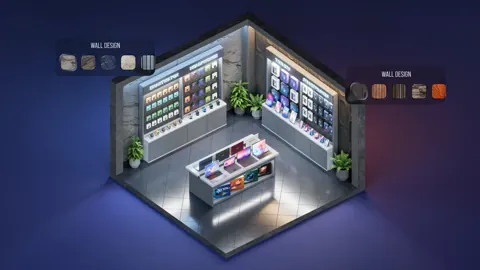 Devices Tycoon Employee Management: Hiring & MoraleMaster Devices Tycoon employee management with practical tips on hiring, upgrades, fatigue, bonuses, vacations, and offices. Build a stronger team on PC.
More in Business
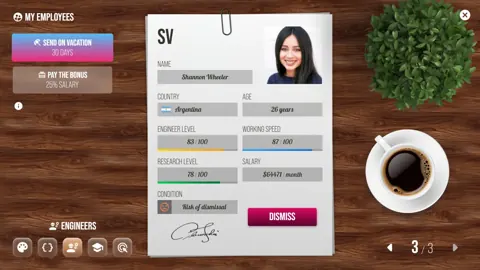
Devices Tycoon Company Acquisitions: Complete Guide
Master Devices Tycoon company acquisitions: reach 49% ownership, negotiate buyouts, and compare growth, income, and balanced strategies for your business.
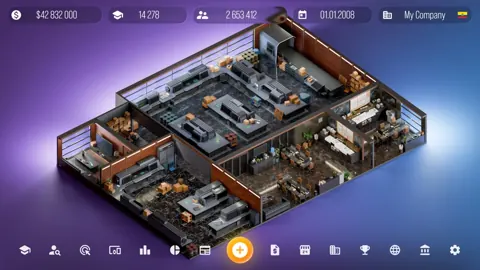
Devices Tycoon How to Make Money: Build Your Profits
Devices Tycoon how to make money: build device sales, balance app monetization, control store costs, and plan investments to grow your company's profits.
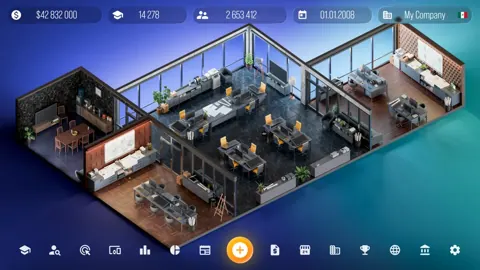
Devices Tycoon Investments: Stocks and Buyout Guide
Master Devices Tycoon investments with stock trading rules, the 49% acquisition requirement, company strategies, and tips for managing dividends and loans.
Devices Tycoon Loans: Bank Trust and Repayment Guide
Learn how Devices Tycoon loans work, manage repayment deadlines, build bank trust, and use company statistics to plan borrowing without draining your cash.
Join the community
Game links and player communities: