
Devices Tycoon Sandbox: Unlimited Money and Features
Explore Devices Tycoon sandbox with unlimited money, Research All buttons, happy employees, and fan controls. See what each Steam update adds to your game.
Jump to
What Does Devices Tycoon Sandbox Let You Do?
Devices Tycoon sandbox lets you experiment with a tech company using unlimited money and controls for research, employee happiness, fans, and followers. Those options give you room to focus on device design and explore business systems without financial limits. On the Steam PC version, Devices Tycoon sandbox has been available from the start since Update 1.1.
The mode’s controls arrived across several updates. Unlimited money came in the first post-launch update, while later patches added more ways to customize your company. Update 1.3 added control over your Devicesgram follower count, expanding the options beyond company fans.
Here’s how the sandbox features fit together:
| Sandbox feature | What it provides | Update introduced |
|---|---|---|
| Unlimited money | Experimentation without financial limits | First post-launch update |
| Availability from the start | Access to Sandbox Mode from the beginning | Update 1.1 |
| Company fan editing | Control over your company’s fan count | Update 1.1 |
| “Employees Are Always Happy” toggle | A setting for keeping employees happy | Update 1.2 |
| “Research All” buttons | A research control in each research category | Update 1.2 |
| Devicesgram follower customization | Control over your Devicesgram follower count | Update 1.3 |
Choose a purpose for your company before changing everything. Design a flagship phone, explore operating systems, or build a recognizable family of products. A clear project gives each sandbox control a reason to be there.
Keep your company fans and Devicesgram followers separate in your planning. They are distinct editable counts, introduced in different updates. Set each deliberately when creating the company you want to play.
Use Unlimited Money and Research Controls Deliberately
Unlimited money is the foundation of Devices Tycoon sandbox. It removes the financial limit on experimentation, letting you explore device designs and company purchases without making available cash the deciding factor.
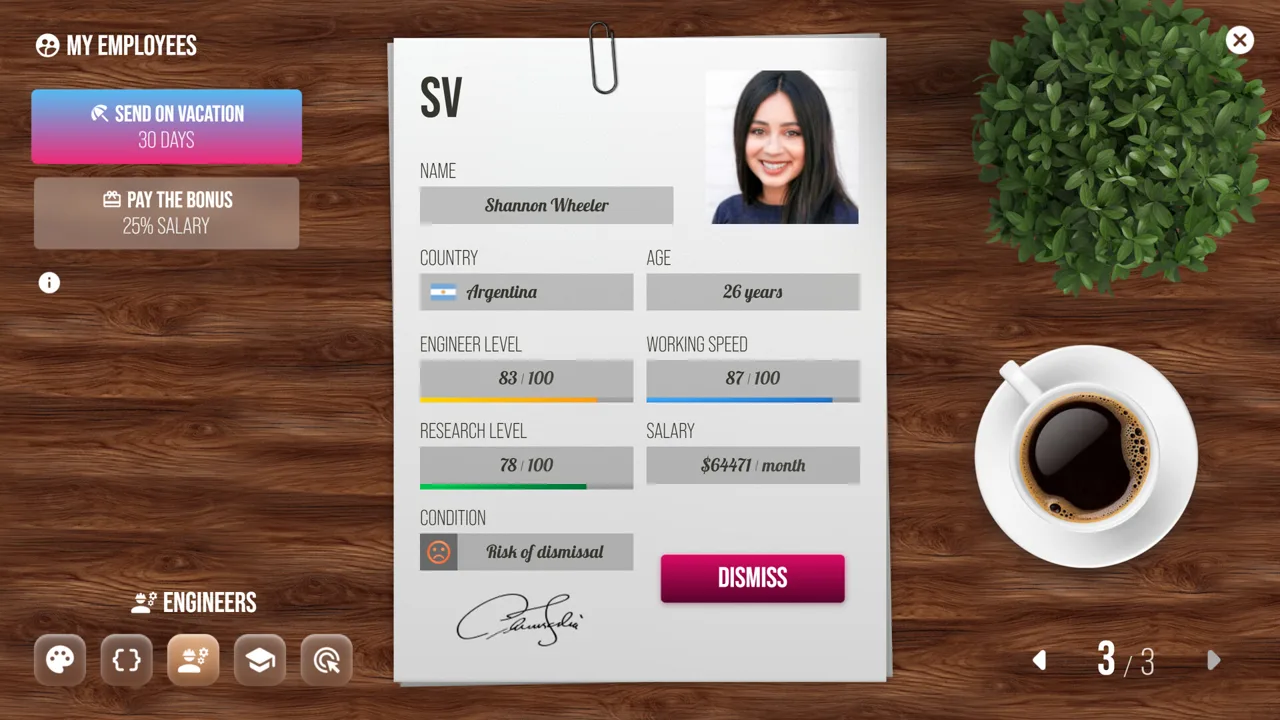 Image: Steam / Roastery Games
Start with a device concept rather than selecting features at random. Decide whether you want a compact smartphone, a distinctive laptop, or a coordinated collection of accessories. Then use the editor’s choices to give that concept a consistent identity.
Give each design a specific goal
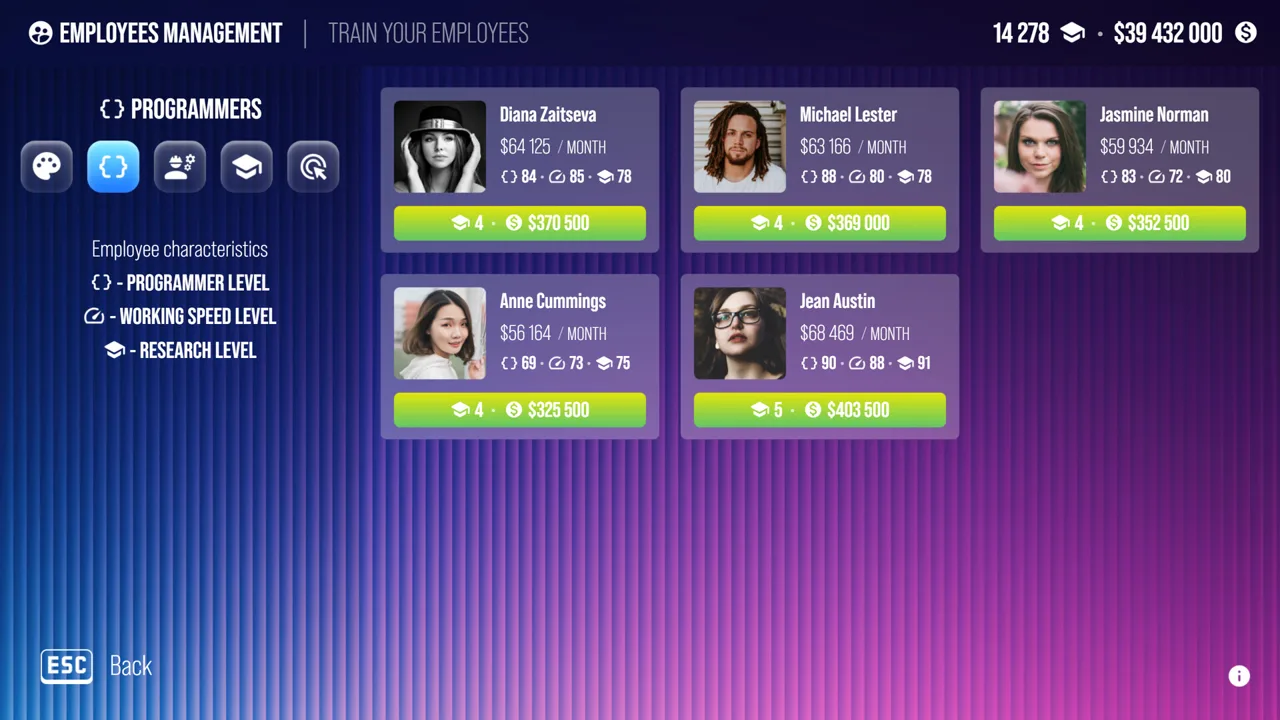
The device editor includes choices for dimensions, colors, screens, processors, graphics cards, speakers, packaging, and more. Across its customization tools, the game offers more than 10,000 functions.
Use that breadth to explore a particular question. Compare different screen choices, revisit a device’s appearance, or change its packaging while preserving the rest of the concept. Keep notes on what you changed so the next model has a clear purpose.
Avoid using unlimited money as your only measure of success. Follow customer reviews and sales after a device reaches stores. Higher review scores improve sales, so the response to a product still gives you something useful to examine.
Use the research controls by category
Update 1.2 added a “Research All” button to each research category in Sandbox Mode. That gives research its own set of controls alongside the mode’s financial options.
| Control or tool | Function | Practical use |
|---|---|---|
| Unlimited money | Removes financial limits | Explore designs without restricting the project to available funds |
| “Research All” | Provides a research action in each category | Use the relevant category when exploring its technologies |
| “Collect Research Points” | Collects points directly from the game menu | Collect points without visiting the laboratory |
| Time acceleration | Speeds up game time | Advance time when you are ready to continue observing the business |
The “Collect Research Points” menu button also arrived in Update 1.2. It is a separate convenience from the sandbox research buttons: one collects points through the game menu, while the others sit in research categories.
Review the category you want to explore before using its button. Keep the research choices connected to your current project, especially when learning how the device editor’s options fit together.
Customize Fans, Followers, and Employee Happiness
Devices Tycoon sandbox also gives you control over the company surrounding your products. Company fans, Devicesgram followers, and employee happiness each have their own sandbox setting.
Use these controls to establish a company scenario. For example, give a fictional established brand the audience you want it to have, then design products that match its identity. Treat that as a creative setup rather than a prediction about how audience size affects sales.
| Company control | Where it fits | Detail to remember |
|---|---|---|
| Company fan editing | Company audience customization | Added in Update 1.1 |
| Devicesgram follower customization | Social network audience customization | Added in Update 1.3 |
| “Employees Are Always Happy” | Employee happiness management | Added in Update 1.2 |
Set up your company’s identity
At company creation, you choose a name, country, and starting capital. Continue that identity through your products: repeat colors, use related device names, and give packaging a consistent appearance.
If the name stops fitting, change it through Statistics → Company. Company renaming arrived in the first post-launch update, so your original name does not have to define every later project.
Use a naming pattern you can recognize when comparing models. Distinguish revisions clearly in your own notes, especially when several devices share a similar appearance.
Choose how to handle employee happiness
The “Employees Are Always Happy” toggle gives sandbox players a direct happiness setting. Enable it when you want to concentrate on device creation while keeping employees happy.
Employee bonuses provide another management action. The first post-launch update added a way to give everyone a bonus from a fatigue notification. Update 1.3 added a button for bonuses to all employees directly in the office scene’s sidebar.
Hire designers, programmers, and engineers as you explore company management. The game also includes more than 16 offices to buy and upgrade for those teams. Connect office purchases to the company you are building, just as you would connect a device’s appearance to its brand.
Build Devices and Compare Your Designs
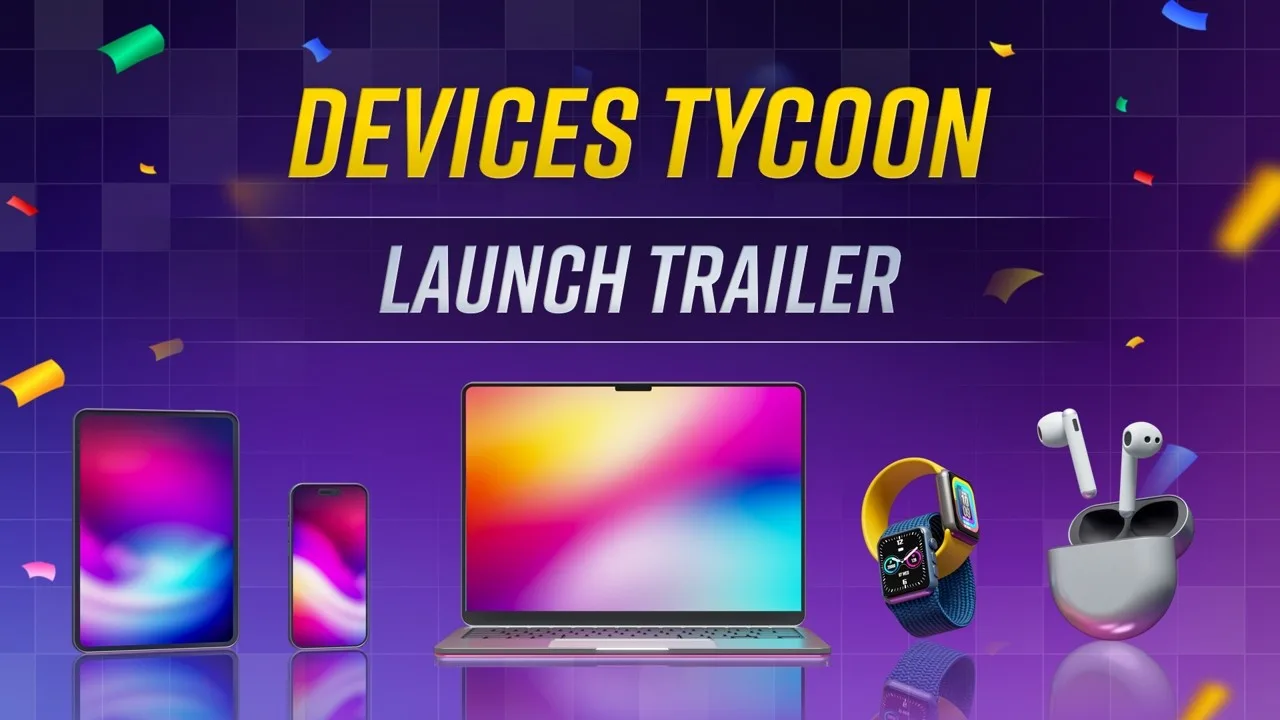
Devices Tycoon sandbox gives you a setting for exploring the game’s broad product creation tools. You can create smartphones, tablets, laptops, smartwatches, headphones, TVs, operating systems, and processors.
 Image: Steam / Roastery Games
Pick one product category to learn before spreading your attention across several editors. Build a recognizable model, examine the available choices, and use that model as the starting point for related designs.
Reuse settings to keep comparisons organized
Update 1.1 added the ability to copy settings from earlier device models. Use that feature when creating a revision so you can preserve the parts of a design you want to keep.
The same update stopped settings from resetting when switching between Budget, Standard, and Flagship. Review those categories while developing a product family, keeping track of the changes you deliberately make.
Try these design exercises:
- Create a visual identity. Coordinate device colors, dimensions, and packaging around a recognizable style.
- Develop a model revision. Copy an earlier device’s settings, then change a specific part of the design.
- Explore a product family. Carry a shared appearance across a smartphone, tablet, and laptop.
- Expand into software. Create an operating system alongside your hardware projects.
These are creative goals you can set for yourself. Keep the scope small enough that you can remember why you made each choice.
Read the business response
Once products appear on store shelves, customer reviews become part of the feedback loop. Higher scores lead to better sales, connecting your device work to the company’s performance.
Review the response before starting the next revision. Compare it with your design notes, then choose what to revisit. Change a limited set of choices between models to keep your own comparisons readable.
Use the wider business tools as your project grows. You can hold presentations before sales begin, study marketing, open stores around the world, negotiate, and purchase other companies.
Match each expansion to a concrete goal. Open stores as part of building your company’s presence, or explore acquisitions when you want to engage with that side of management. Unlimited funds give you freedom to pursue those projects.
Keep Track of Updates, Finances, and Saves
The Steam updates changed both Devices Tycoon sandbox and the everyday tools around it. Understanding those changes helps returning players find features that were absent from an earlier version.
| Update | Sandbox additions | Other relevant changes |
|---|---|---|
| First post-launch update | Unlimited money | Autosave every 90 in-game days; company renaming; bonuses from fatigue notifications |
| Update 1.1 | Available from the start; editable company fans | Model setting copying; preserved settings between device categories; time acceleration |
| Update 1.2 | Happiness toggle; “Research All” in each category | Menu button for collecting research points; expanded income and expense statistics |
| Update 1.3 | Editable Devicesgram follower count | More financial detail; Devicesgram comment replies; office sidebar bonus button |
Use the detailed company statistics even with unlimited money. Updates 1.2 and 1.3 expanded the information about income and expenses, giving you more to examine than the cash balance alone.
Look at those figures alongside product reviews and sales. Keep your attention on the results relevant to your project: a device revision, a marketing exercise, or an expansion into stores.
Save at meaningful checkpoints
Autosave runs every 90 in-game days, a feature introduced in the first post-launch update. Steam also supports saving at any time and Steam Cloud.
Save when you finish a design or complete a useful comparison. When using time acceleration, remember that the autosave interval is measured in game days.
Update 1.1 added save error codes and fixed problems involving device text after saving or loading. Later updates also addressed operating system design resets. Keep the Steam version updated as you continue a long-running company.
Keep each experiment focused
Before the next project, write down the device you want to create and the changes you want to explore. Set the relevant sandbox controls, reuse an earlier model where useful, and follow the product’s reviews and sales.
For the PC release, you can get Devices Tycoon on Steam.
FAQ
Is Devices Tycoon sandbox available from the start?
Yes. Update 1.1 made Devices Tycoon sandbox available from the start on Steam PC. The first post-launch update had already added unlimited money.
Does Sandbox Mode include unlimited money?
Yes. Unlimited money lets you create and experiment without financial limits. Use customer reviews, sales, and detailed company statistics to follow the results of your projects.
How do the sandbox research buttons work?
Update 1.2 added a “Research All” button to each research category in Sandbox Mode. It also added a separate “Collect Research Points” button to the game menu, allowing point collection without a laboratory visit.
Can I customize fans and Devicesgram followers?
Yes. Update 1.1 added company fan editing, and Update 1.3 added Devicesgram follower customization. Sandbox Mode also includes the “Employees Are Always Happy” toggle introduced in Update 1.2.
Continue with
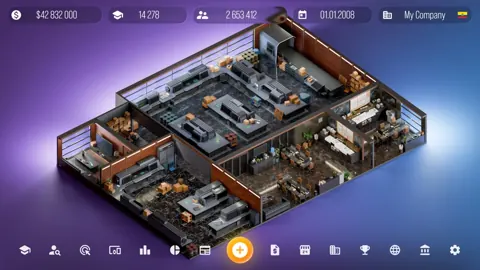 Devices Tycoon Trailer: Official Videos and FeaturesWatch the Devices Tycoon trailer on Steam, explore device design and company management, and catch up on Sandbox Mode features added after the PC launch.
More in Features
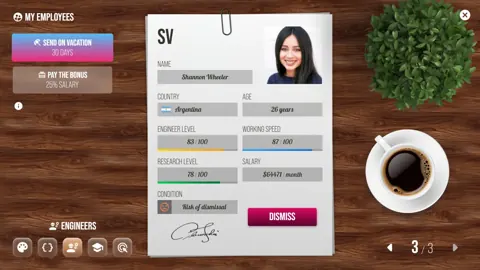
Devices Tycoon Bugs: Black Screen, Saves, and Fixes
Fix Devices Tycoon bugs with fullscreen workarounds, save error checks, and a breakdown of the device editor and OS issues addressed in updates 1.1–1.3.
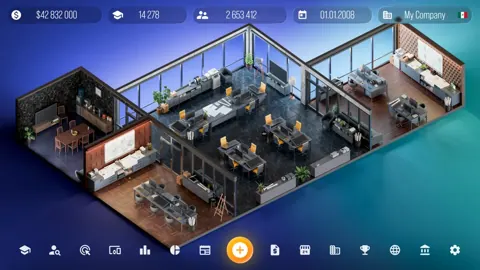
Devices Tycoon Perks: Character Choices and Progression
Learn how Devices Tycoon perks work, shape your starting character, and unlock permanent bonuses across five groups. Plan your company's development path.
Join the community
Game links and player communities: