
Devices Tycoon Trailer: Official Videos and Features
Watch the Devices Tycoon trailer on Steam, explore device design and company management, and catch up on Sandbox Mode features added after the PC launch.
Jump to
Where to Watch the Devices Tycoon Trailer
Start with the Devices Tycoon trailer on Steam before deciding what kind of tech company you want to build. Your job stretches from choosing smartphone components to hiring engineers, managing customer reactions, and expanding your business. This Devices Tycoon trailer guide points you toward the official preview and walks through the features and updates that matter when you start playing.
Open Devices Tycoon on Steam and look for “Devices Tycoon — Official Trailer” in the media gallery. The PC game, developed and published by Roastery Games, launched on October 16, 2026.
There are also official gameplay and launch trailer announcements. Keep these entries straight when browsing the game's promotional material:
| Trailer entry | Identifying detail |
|---|---|
| Devices Tycoon — Official Trailer | The trailer name in the Steam media gallery |
| Official gameplay trailer | Announced for September 27 at 19:00 GMT+3, with a release-date reveal |
| Official launch trailer | Announced for 18:55 GMT+3, immediately before Steam availability |
Those premiere times belong to the launch campaign. The Steam version is already available, so you can move directly from watching the preview to exploring the game.
When watching the Devices Tycoon trailer, focus on the parts of running a technology company that interest you: product customization, staffing, marketing, or expansion. Then use the sections below to understand how those systems fit together. The game combines all of them within a single-player business simulation.
Device Design: From Smartphones to Your Own Processors
Device creation is the central attraction. You can build smartphones, tablets, laptops, smartwatches, headphones, and TVs, alongside operating systems and processors. That gives you room to develop a broader technology brand with several kinds of products.
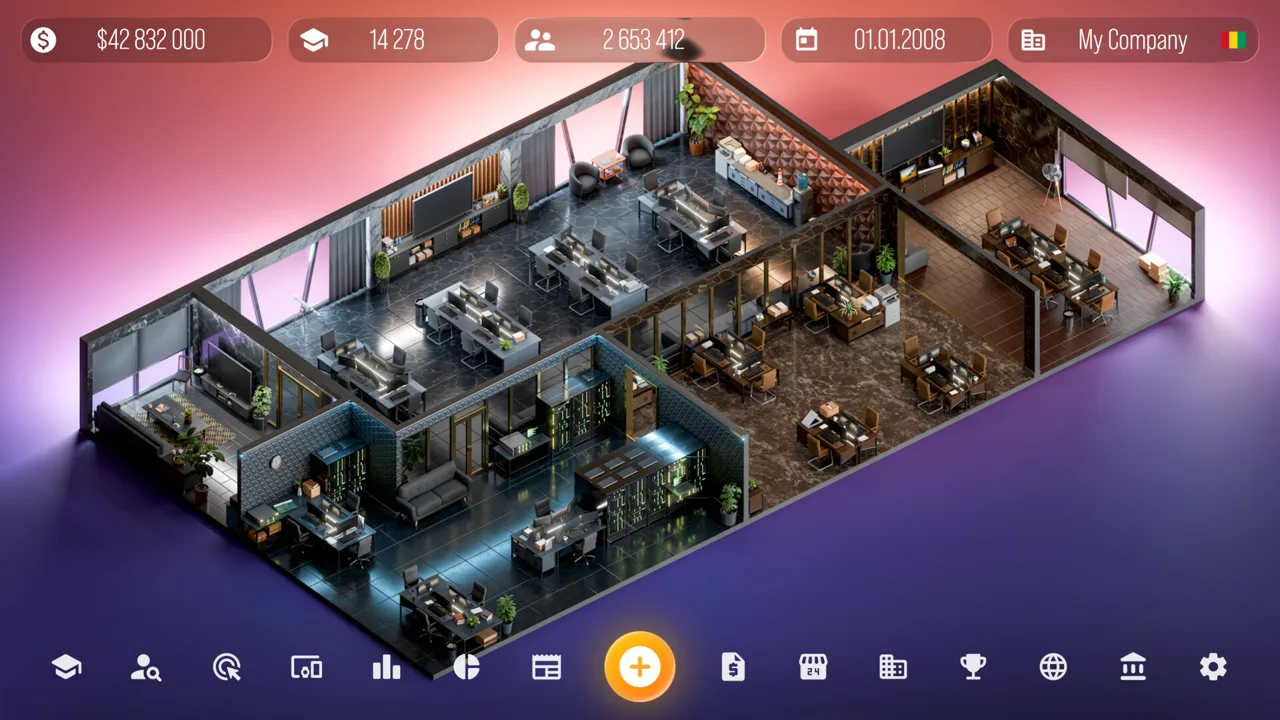 Image: Steam / Roastery Games
The editor includes choices for device size, color, screens, processors, graphics cards, speakers, and packaging. Across device customization, there are more than 10,000 functions to work with.
| Design area | Available choices or products |
|---|---|
| Appearance | Device size and color |
| Hardware | Screens, processors, graphics cards, and speakers |
| Presentation | Product packaging |
| Consumer devices | Smartphones, tablets, laptops, smartwatches, headphones, and TVs |
| Software and components | Operating systems and processors |
Use the Devices Tycoon trailer as an introduction to that creative scope, then take your time with individual settings in the editor. A finished product represents a collection of decisions about its appearance, components, and presentation.
For a focused design session, pick a product concept before changing settings. For example, sketch out a compact smartphone with a consistent color and packaging theme. Use that concept to guide the options you select, then review the finished design as a whole.
Update 1.1 makes follow-up models easier to manage. You can copy settings from earlier devices, and switching between Budget, Standard, and Flagship preserves device settings.
Copy an existing model when you want to revise a familiar design. Change the parts you want to explore, then compare the result with your earlier version. This gives your next product a clear starting point.
Customer reviews connect product creation to business performance: higher review scores support stronger sales. Read those reactions after devices reach store shelves, and use them to guide your next round of design decisions.
Keep the distinction between creative experimentation and commercial performance in mind. A design can satisfy your visual goals while still needing another look at how customers respond to it.
Build the Company Behind Your Products
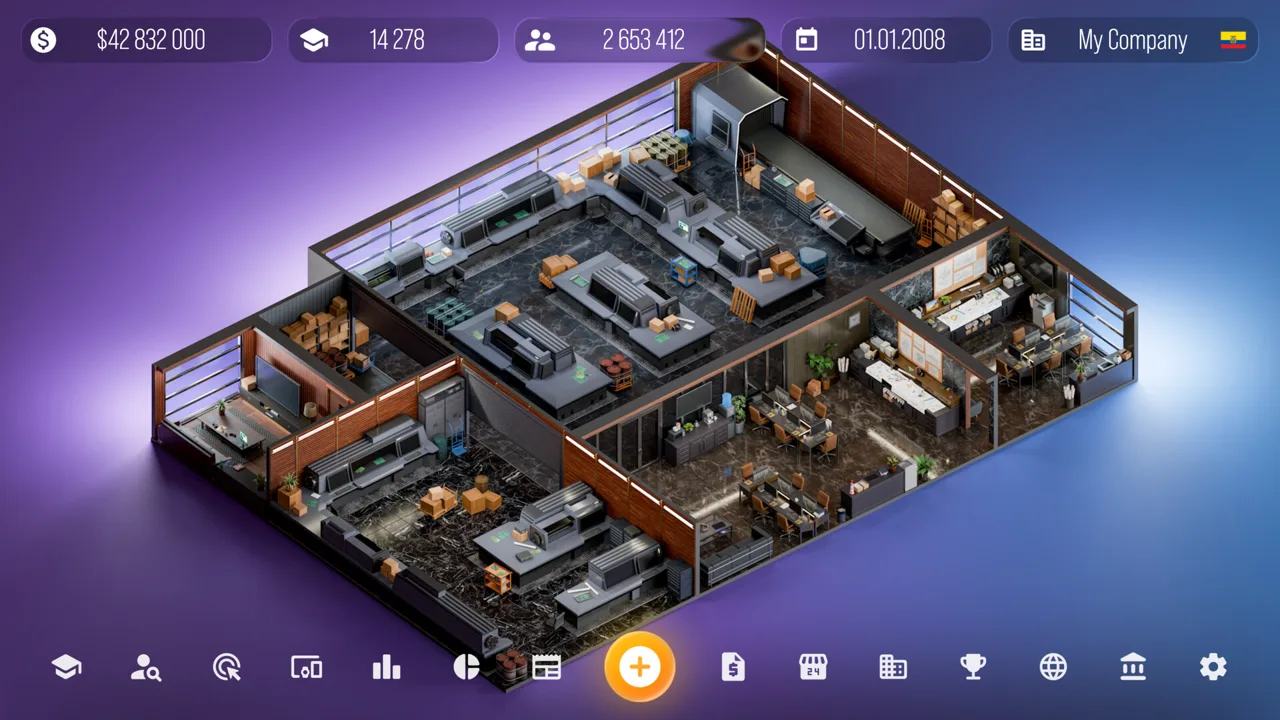
Your business begins with a company name, a country, and starting capital. From there, you recruit designers, programmers, and engineers from around the world.
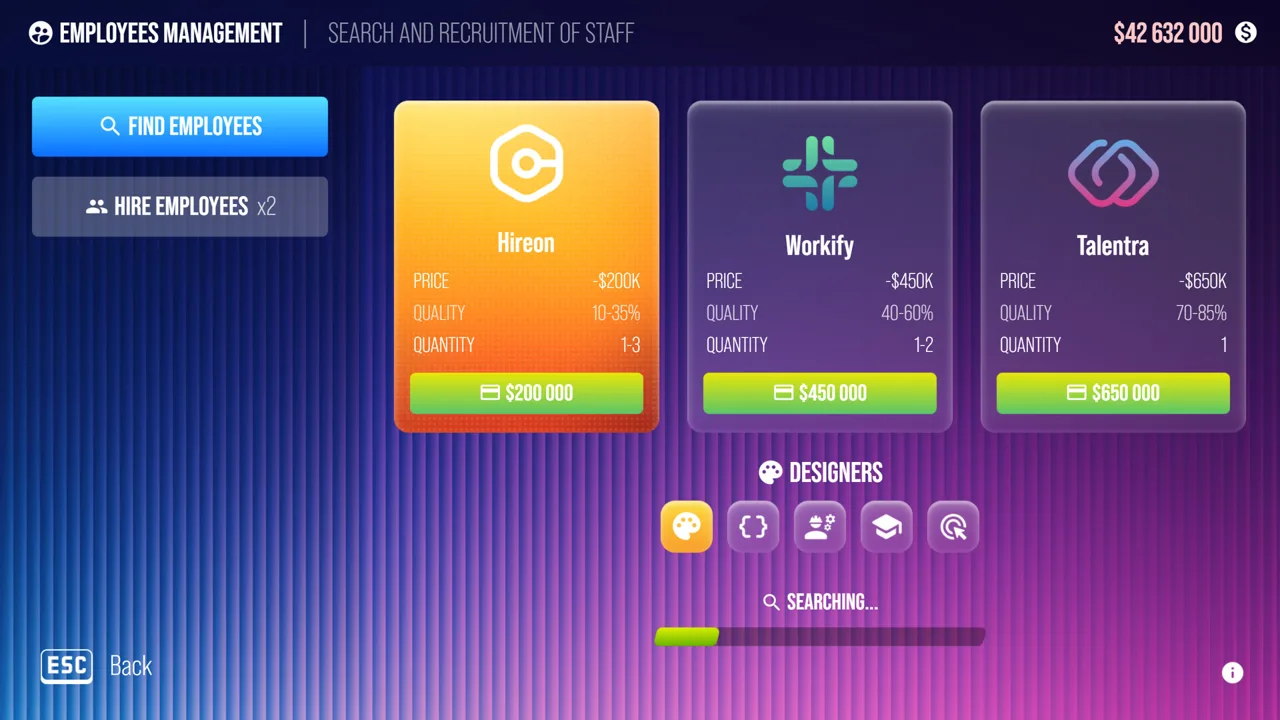 Image: Steam / Roastery Games
Staffing sits alongside office development. You can buy and upgrade more than 16 offices for those employee groups, giving company management a physical side as your operation grows.
The Devices Tycoon trailer is a useful starting point, but the management systems deserve attention before you commit to a long session.
| Business system | What you can do |
|---|---|
| Company setup | Choose a name, country, and starting capital |
| Recruitment | Hire designers, programmers, and engineers |
| Offices | Buy and upgrade more than 16 offices |
| Product launches | Present devices before sales begin |
| Marketing | Study marketing and promote products |
| Expansion | Open stores worldwide, negotiate, and buy companies |
| Financial tracking | Review detailed company income and expenses |
Check income and expense details when evaluating your business. Updates 1.2 and 1.3 expanded company statistics, giving you more information to examine alongside sales and customer reactions.
Compare those financial details with the products you are releasing. Keep your attention on what the company earns and spends while you decide what to develop next.
Employee management also received practical improvements. The first post-launch update introduced a single action for awarding bonuses to all employees after a fatigue notification. Update 1.3 added an all-employee bonus button directly to the office sidebar.
Use that sidebar button when you want to handle bonuses across the team together. For a session centered on product experimentation, Sandbox Mode also includes an “Employees Are Always Happy” toggle.
You can rename your company after starting, too. Open Statistics → Company when you want to change its name.
What Changed After the Trailer: Sandbox Mode and Updates
The Devices Tycoon trailer belongs alongside the game's post-launch improvements when you are deciding how to play. Updates through version 1.3 cover design convenience, employee controls, finances, saving, and Sandbox Mode.
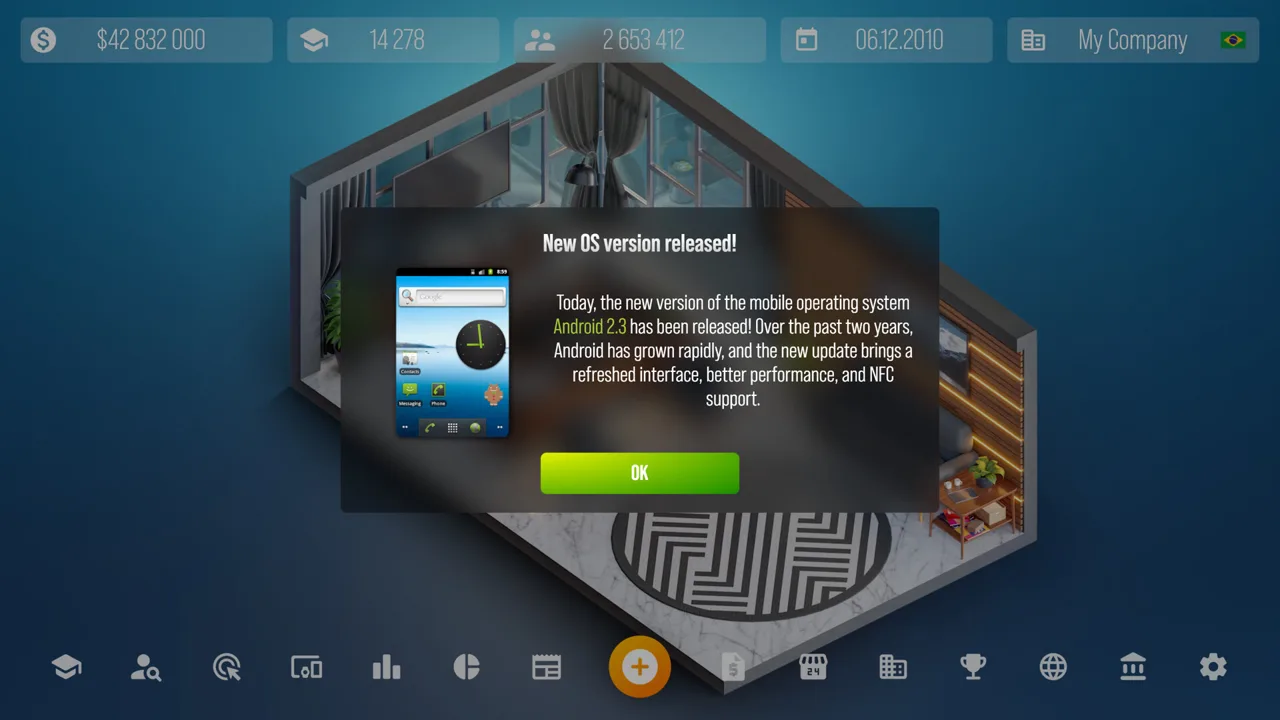 Image: Steam / Roastery Games
Sandbox Mode is especially relevant if your main interest is creating devices. Update 1.1 made it available from the start, while other updates added tools for experimenting with money, research, employees, and audience numbers.
| Update | Changes relevant to your next session |
|---|---|
| First post-launch update | Unlimited Sandbox money, autosaving every 90 in-game days, company renaming, and group employee bonuses |
| Update 1.1 | Sandbox available immediately, time acceleration, copied device settings, persistent settings across product tiers, and editable company fans |
| Update 1.2 | Employee happiness toggle, category-level Research All buttons, menu access to research points, and expanded financial details |
| Update 1.3 | Devicesgram replies, customizable Sandbox follower counts, office-sidebar employee bonuses, and more detailed company statistics |
Experiment with Sandbox controls
Use unlimited money in Sandbox Mode when you want to concentrate on device creation without a financial limit. Try different designs and components while keeping your attention on the editor.
The Research All button works within each research category. Use the button in the category you want to explore, then return to your design work. You can also collect research points directly from the game menu instead of visiting the laboratory each time.
Keep company fans and Devicesgram followers distinct when adjusting Sandbox settings. Update 1.1 introduced editable company fans; Update 1.3 added customization of the Devicesgram follower count. These are separate controls.
Use the newer design conveniences
Copy settings from a previous device before building a related model. With Update 1.1, moving between Budget, Standard, and Flagship also keeps those settings intact.
Update 1.1 introduced time acceleration as well. Use it when you want to advance game time more quickly, and return your attention to reviews, finances, and employee notifications as you manage the company.
Check saving and interface improvements
Autosaving occurs every 90 in-game days, and the game also supports saving at any time and Steam Cloud. Save at a stopping point that suits your session instead of relying entirely on the autosave interval.
Post-launch fixes addressed problems involving device names, text, operating-system designs, company statistics, and editor elements. Update 1.3 specifically included another fix for custom OS design settings unexpectedly resetting.
Devicesgram gained replies in Update 1.3. Use that feature when you want to participate in the company's in-game social conversations alongside product development and financial management.
Turn Your Trailer Watch Into a Focused Starting Plan
After watching the Devices Tycoon trailer, choose which part of the business you want to explore first. Keeping a clear goal makes the range of editors and management screens easier to approach.
For a session centered on product creation, use this checklist:
- Open Sandbox Mode, which is available from the start.
- Use unlimited money if you want to remove the financial limit.
- Choose one device category and outline a design concept.
- Explore its appearance, components, and packaging.
- Copy an earlier model's settings when creating a variation.
- Use the relevant research-category controls when exploring researched options.
For a session centered on company management, start with your business identity and staffing. Review employee notifications, inspect income and expenses, and read customer reactions once products reach stores.
Before developing a follow-up device, choose what you want to change. Revise its appearance, reconsider components, or revisit packaging with a clear purpose. Compare the next model with the previous one and follow the resulting reviews.
The PC version also supports Steam Achievements, Steam Cloud, and saving at any time. Its supported languages include English, and its single-player format lets you focus on your own company.
Return to the Devices Tycoon Steam page when you are ready to watch the official trailer or get the Windows version. Bring a product idea with you, then put the editor and company systems to work around it.
FAQ
Where can I watch the official Devices Tycoon trailer?
Open the game's Steam page and find “Devices Tycoon — Official Trailer” in the media gallery. There were also separate official announcements for the gameplay trailer premiere and launch trailer premiere.
Is Devices Tycoon available on PC?
Yes. Devices Tycoon launched on Steam for Windows on October 16, 2026. Roastery Games is both its developer and publisher.
What devices can I create?
You can create smartphones, tablets, laptops, smartwatches, headphones, and TVs. The game also includes operating-system and processor creation, with customization options covering appearance, hardware, and packaging.
Can I start Sandbox Mode immediately?
Yes. Update 1.1 made Sandbox Mode available from the start. Its post-launch features include unlimited money, editable company fans, customizable Devicesgram followers, an employee happiness toggle, and Research All buttons within research categories.
Continue with
 Devices Tycoon Bugs: Black Screen, Saves, and FixesFix Devices Tycoon bugs with fullscreen workarounds, save error checks, and a breakdown of the device editor and OS issues addressed in updates 1.1–1.3.
More in Features
Devices Tycoon Perks: Character Choices and Progression
Learn how Devices Tycoon perks work, shape your starting character, and unlock permanent bonuses across five groups. Plan your company's development path.
Devices Tycoon Sandbox: Unlimited Money and Features
Explore Devices Tycoon sandbox with unlimited money, Research All buttons, happy employees, and fan controls. See what each Steam update adds to your game.
Join the community
Game links and player communities: