
Devices Tycoon Android: Download and Gameplay Guide
Play Devices Tycoon Android and build a tech company with custom phones, laptops, processors, and more. Explore downloads, device design and business tips.
Jump to
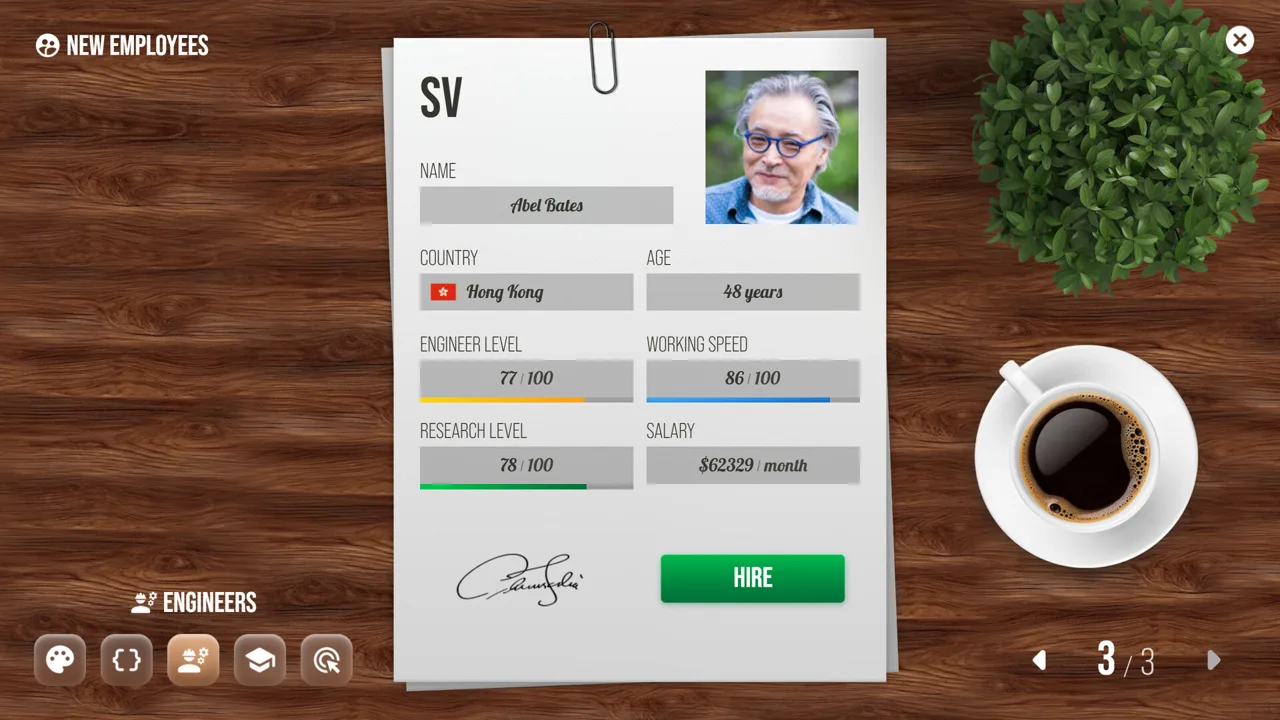
Devices Tycoon Android: Where to Download and What to Expect
Build the phone you wish existed, then run the company behind it. Devices Tycoon Android combines detailed gadget customization with hiring, office development, and product sales, giving your design decisions a business context. Devices Tycoon Android also lets you create operating systems and processors, so your company’s identity can reach beyond the appearance of its next smartphone.
You can download Devices Tycoon on Google Play. Look for the game by Roastery Games, then use the Install button to get started.
The Android game is a single-player business simulator with offline play. It includes ads and in-app purchases, and its content rating is Everyone.
| Android game detail | What to expect |
|---|---|
| Developer | Roastery Games |
| Genre | Business simulation, management, and tycoon |
| Players | Single player |
| Offline play | Supported |
| Monetization | Ads and in-app purchases |
| Content rating | Everyone |
The central appeal is the connection between creating technology and managing the organization that sells it. You can customize devices, hire designers and technical staff, develop offices, and eventually explore stores and company acquisitions.
Keep that broader scope in mind when deciding what to play. Device design is a major part of the experience, but presentations, marketing, customer reviews, and business expansion also belong to your company’s story.
Start with a product idea you can describe clearly. A colorful smartphone brand, a laptop company with a consistent visual identity, or a business centered on wearable devices gives your customization choices a direction. Use that idea as a creative brief while exploring the available systems.
Set Up Your Company and Choose Its Direction
Your company begins with a name, a country, and starting capital. Those choices establish the business you will manage before you begin building its products.
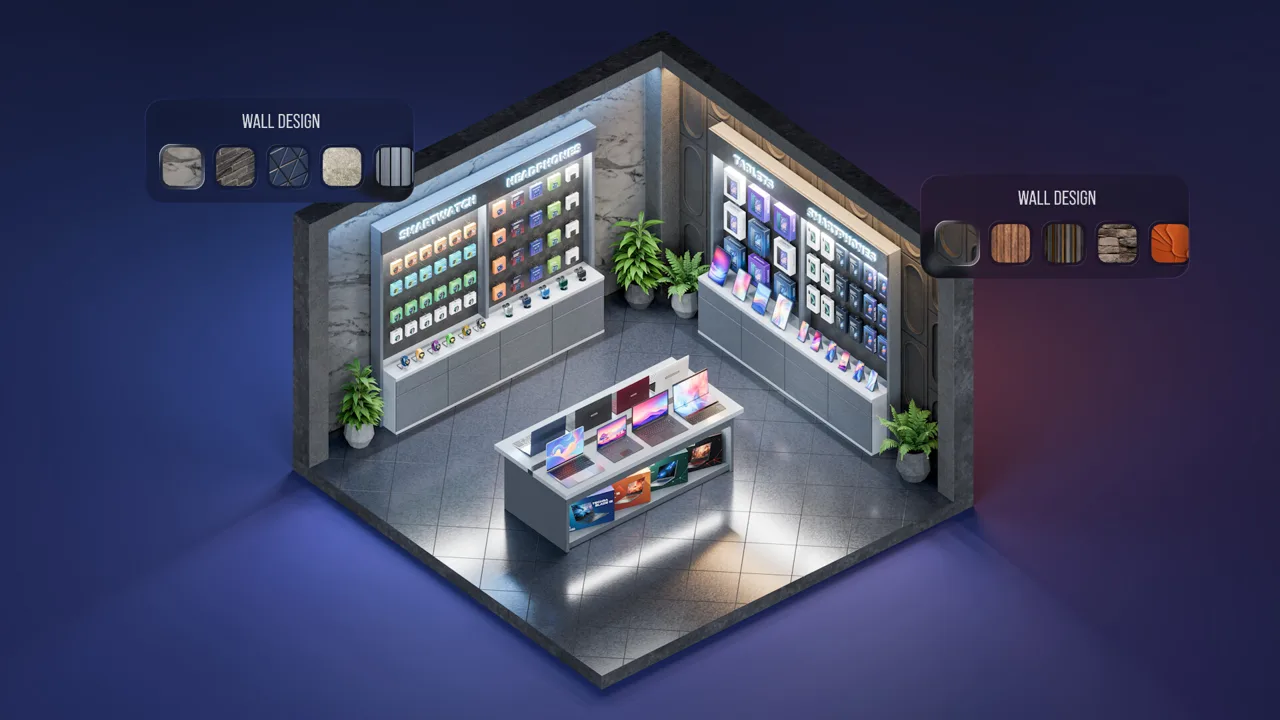 Image: Steam / Roastery Games
Choose a name that works across the devices you want to create. If your plans include phones, headphones, and laptops, think about how the same brand will look across all three. This is a creative decision: give yourself a name you will enjoy using as the company grows.
| Company setup choice | What you choose |
|---|---|
| Company name | The name of your technology business |
| Country | Where your company is established |
| Starting capital | The funds your company begins with |
Devices Tycoon Android supports several product categories, including smartphones, tablets, laptops, smartwatches, and headphones. You can also create operating systems and processors.
That range gives you plenty of room to define a recognizable company. Pick a product category to explore before trying to express every idea at once. For example, use a smartphone concept to think through size, color, screen, speakers, and packaging. Then consider how that same visual direction could carry over to a tablet or laptop.
Write a short product brief before opening the editor:
- Name the kind of device you want to create.
- Choose the visual identity you want it to have.
- Identify the editable features you want to explore.
- Decide how you would describe the finished product in a presentation.
Keep these notes focused on your intentions. They provide a useful reference when a large editor tempts you to change everything simply because you can.
The company setup also gives the simulation a personal thread. Your devices, employees, offices, and stores all belong to the same business. Treat the name and product direction as the foundation for that identity.
Explore the Device Editor and Update 4.0
The device editor is the main creative tool in Devices Tycoon Android. It offers more than 10,000 customization functions, covering both visible design choices and hardware-related details.
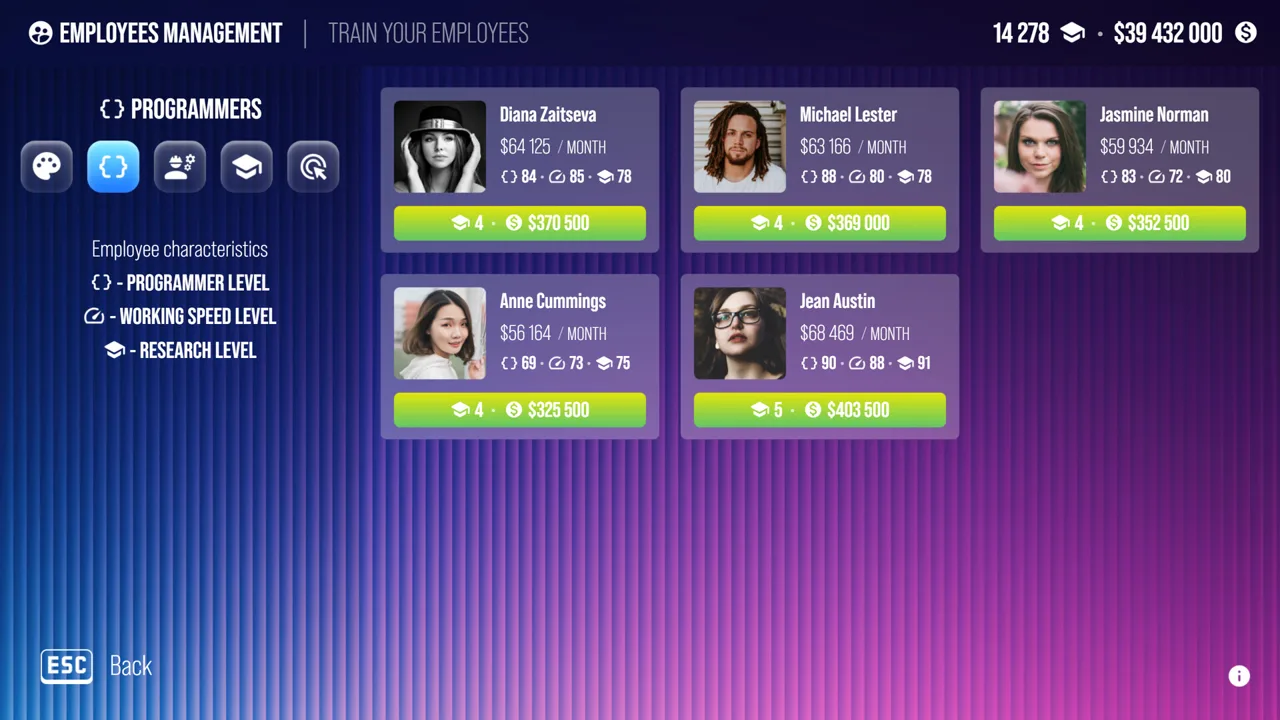 Image: Steam / Roastery Games
You can adjust device size, color, screen, processor, graphics card, speakers, packaging, and other options. That means your design work extends from the gadget itself to how it is presented as a product.
| Editable element | Design area |
|---|---|
| Size | Device dimensions |
| Color | Exterior appearance |
| Screen | Display configuration |
| Processor | Processing hardware |
| Graphics card | Graphics hardware |
| Speakers | Audio hardware |
| Packaging | Product presentation |
Work through the editor by design area. Start with the physical concept, move through the relevant hardware choices, and finish with packaging. This gives your decisions a clear order without requiring you to understand every option immediately.
For a smartphone concept, begin by deciding what you want its overall appearance to communicate. Explore the size and color choices with that idea in mind. Then turn to the screen, processor, and speakers before considering the package.
For a laptop, bring the same deliberate attention to the screen, processor, and graphics choices available in its editor. Keep your product brief nearby so you can distinguish a purposeful change from an option you selected out of curiosity.
Create a recognizable product family
Use repeated design ideas to connect your products. Choose related colors or a consistent packaging direction when you want devices to feel like parts of the same brand.
This is a creative exercise rather than a sales formula. The editor gives you the tools to express that identity; decide what you want the finished range to look like.
Processors and operating systems broaden the company’s creative scope further. You can build a brand around both devices and the technology associated with them. Explore those systems as distinct projects instead of assuming that designing a phone covers every part of the business.
Try the electric scooter editor
Update 4.0 added an electric scooter editor. That expands the game’s design possibilities beyond its phones, computers, wearables, and audio products.
Build a scooter concept around a clear visual idea, just as you would with another device. Keep the project focused on the choices available in its own editor, and use it to explore a different side of your company’s identity.
Hire Employees and Develop Your Offices
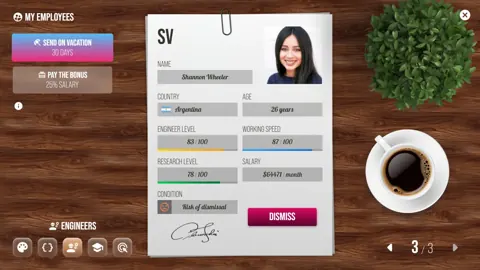
Devices Tycoon Android lets you recruit designers, programmers, and engineers from around the world. Your business therefore includes both product creation and the people behind it.
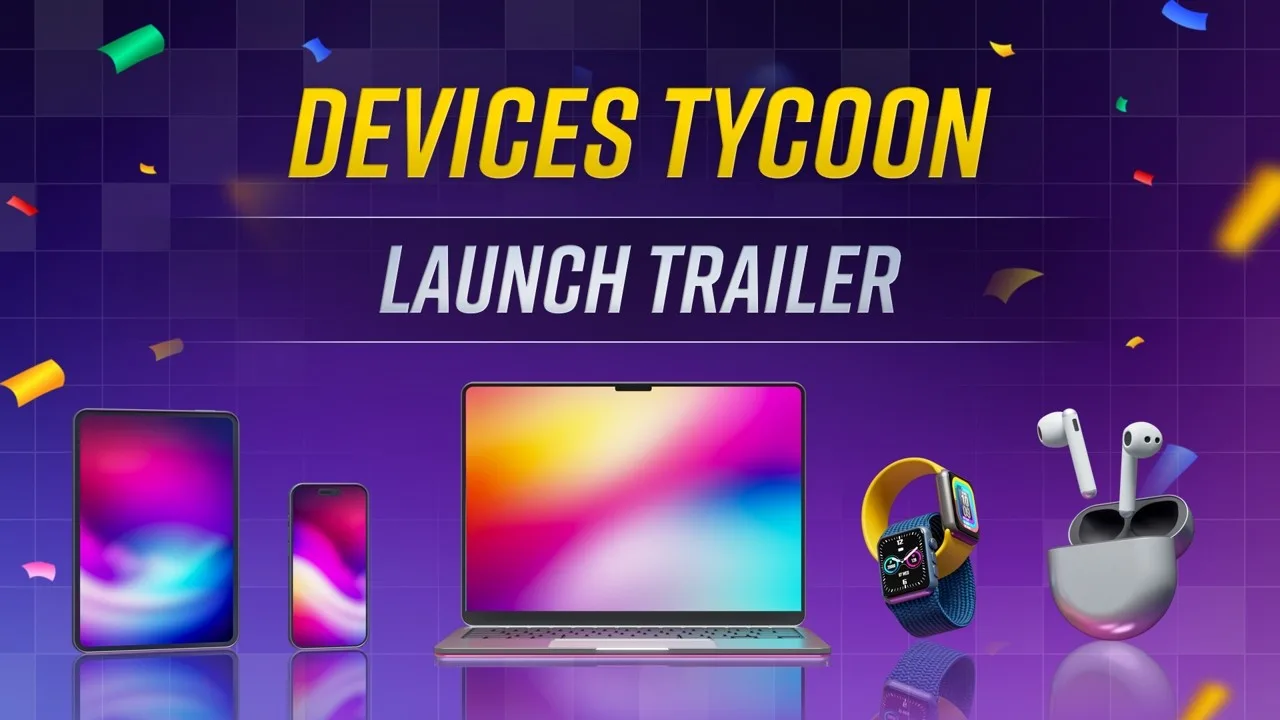
Think about staffing alongside your product plans. When exploring the hiring options, keep your current projects in view so that recruitment remains connected to the company you are building.
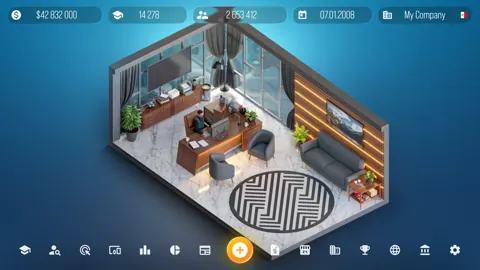
The game also includes more than 16 offices that you can buy and upgrade for designers, programmers, and engineers. Office development gives you another management system to explore beyond the device editor.
Review employees and offices together. Look at the staff categories in your company, then examine the office options associated with them. Keeping those decisions together makes it easier to understand your organization as a whole.
Use a short management checklist between design projects:
- Review the designers, programmers, and engineers in your company.
- Examine available hiring choices.
- Look through office purchase and upgrade options.
- Return to the product plan you want the company to pursue.
Avoid turning this into a rigid routine that interrupts every small customization decision. Use it when you are ready to shift attention from an individual gadget to the business behind it.
There is plenty to explore here without treating every management option as an immediate objective. Give each system some attention, then connect it back to a concrete project. A device concept provides a useful reason to move between design work, staffing, and offices while learning how the simulation fits together.
Use Reviews, Presentations, and Expansion Tools
Once your devices reach store shelves, customers begin reviewing them. Higher review scores are associated with better sales, making customer reception an important part of the business simulation.
That connection gives you a reason to revisit your design intentions after a release. Look at the reception of the finished device, then consider what you want to explore in a future product.
Keep brief notes on your designs and their customer scores. Record the choices you remember making and the idea behind the product. Use those notes to organize your thinking rather than declaring a single feature responsible for an entire result.
Devices Tycoon Android also includes presentations before sales begin, marketing study, company rankings, your own stores around the world, negotiations, and acquisitions.
| Business feature | What you can do |
|---|---|
| Product presentations | Present devices before sales begin |
| Customer reviews | See customer reception after products reach shelves |
| Marketing | Study marketing |
| Company rankings | View other companies’ ratings worldwide |
| Company-owned stores | Open stores around the world |
| Negotiations and acquisitions | Negotiate and buy other companies |
Give each product a clear presentation
Use a device’s actual design choices to shape how you think about its launch. If you focused on color, screen, and packaging, make those decisions the center of your product concept.
Describe the device in one clear sentence before its presentation. For example, identify the product category and the design features you deliberately chose. This helps connect time spent in the editor with the device you are bringing to market.
Explore marketing alongside presentations. Both belong to the commercial side of the game, while customer reviews give you something to examine after the product reaches customers.
Connect expansion to your company’s identity
Worldwide stores and acquisitions take the simulation beyond individual product releases. Your business can have a retail presence and negotiate purchases of other companies.
Keep that expansion connected to the company you intended to build. Look through the available store and negotiation options with your product range in mind, then decide which part of the business you want to explore next.
Use company rankings to put your business alongside other companies in the game. They provide another management screen to examine as your attention moves from designing a single device to running a broader technology company.
The satisfying thread is continuity: create a product, bring it to customers, examine its reception, and carry your next design idea forward. Keep both the gadgets and the company in view as you play.
FAQ
Where can I download Devices Tycoon Android?
You can install Devices Tycoon from Google Play. Check that the developer is Roastery Games before downloading.
Can you play Devices Tycoon Android offline?
Yes. Devices Tycoon supports offline, single-player play on Android. The game also includes ads and in-app purchases.
What can you create in Devices Tycoon?
You can create smartphones, tablets, laptops, smartwatches, headphones, operating systems, and processors. Update 4.0 also added an electric scooter editor.
Do customer reviews affect device sales?
Yes. Higher customer review scores lead to better sales. Reviews begin appearing after your devices reach store shelves, giving you feedback to consider when planning future products.
Continue with
 Devices Tycoon iOS Guide: Download, Features & CostsDevices Tycoon iOS lets you build a tech company on iPhone and iPad. Explore device editors, system requirements, downloads, and in-app purchase costs.
More in Platforms
See all Platforms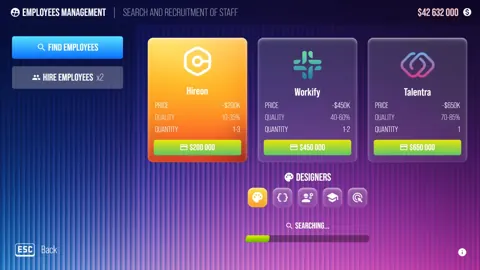
Popular pages
Devices Tycoon Release Date: Steam Launch and Updates
The Devices Tycoon release date was October 16, 2026, on Steam. Explore PC requirements, device creation, and updates before building your tech company.
Devices Tycoon Guide: Build and Grow Your Tech Company
Use this Devices Tycoon guide to manage employees, design devices, choose perks, research upgrades, and expand stores while keeping company costs in check.
Devices Tycoon Price: Steam Buying Guide and Features
Check the Devices Tycoon price on Steam, explore its device editors and Sandbox Mode, and review PC requirements before building your own tech company.
Devices Tycoon CPU Editor: Build and Balance Your Chip
Master the Devices Tycoon CPU editor with a guide to processor types, graphics, memory, cooling, and licenses. Plan custom chips for cost and performance.
Join the community
Game links and player communities: