
Devices Tycoon iOS Guide: Download, Features & Costs
Devices Tycoon iOS lets you build a tech company on iPhone and iPad. Explore device editors, system requirements, downloads, and in-app purchase costs.
Jump to
Is Devices Tycoon Available on iOS?
Build a smartphone brand, design its processors, and take your company into the global device business with Devices Tycoon iOS. The game is available for iPhone and iPad as a free download with in-app purchases, so you can start designing hardware without paying an upfront purchase price. Before downloading Devices Tycoon iOS, check your operating system and take a look at its paid extras, especially if Sandbox mode is part of your plans.
The game combines product customization with company management. You choose your business name, country, and starting capital, then create devices and manage the company behind them. Smartphones are only part of the lineup: tablets, laptops, smartwatches, headphones, and other product editors give you room to experiment.
| Detail | iOS and iPadOS information |
|---|---|
| iPhone requirement | iOS 15.0 or later |
| iPad requirement | iPadOS 15.0 or later |
| iPod touch requirement | iOS 15.0 or later |
| Download size | 119 MB |
| Language | English |
| Age rating | 4+ |
| Download price | Free, with in-app purchases |
The app is designed for iPad and also supports iPhone. Check your device’s operating system before installing, particularly if you use an older phone or tablet.
To get started, download Devices Tycoon for iPhone and iPad through the App Store. Use the product name and seller, Oleksii Cherneha, to identify the game.
What Can You Build in Devices Tycoon iOS?
The device editor is the center of the game. Instead of choosing only a product name and price, you can customize details such as size, color, display, processor, graphics card, speakers, and packaging. Across its editors, the game offers more than 10,000 functions for shaping your products.
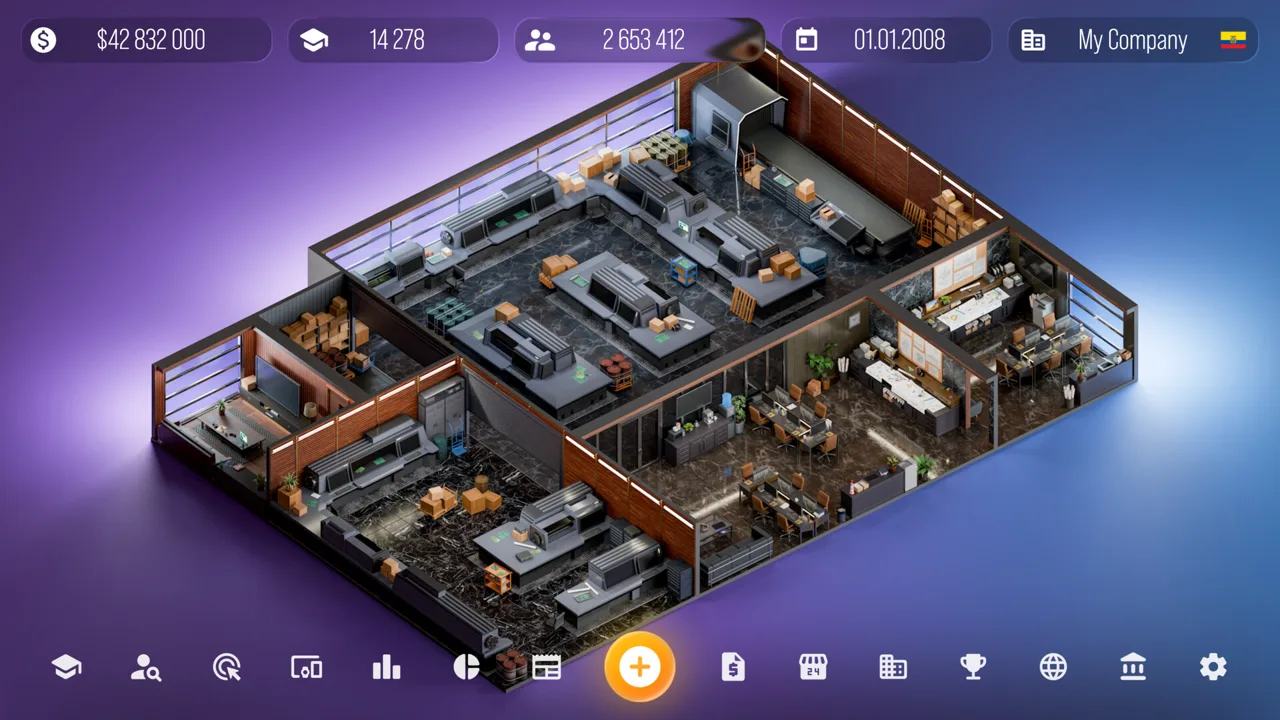 Image: Steam / Roastery Games
That variety lets you think beyond a single phone design. You can build different kinds of hardware while also creating operating systems and processors for your virtual technology company.
| Product or technology | Supported customization and features |
|---|---|
| Smartphones | Size, color, screens, cameras, wallpapers, and other device options |
| Tablets | Device customization, camera options, and styluses |
| Laptops | Graphics cards, memory options, styluses, and computer mice |
| Smartwatches | Straps, security systems, and operating temperature options |
| Headphones | Headphone customization and case-screen options |
| Televisions | TV editor, remote controls, and custom soundbars |
| Processors and graphics cards | Dedicated editors and expanded hardware specifications |
| Operating systems | Creation of your own operating systems |
| Electric scooters | Scooter editor introduced in version 4.0.0 |
Pay Attention to Individual Components
Smartphone cameras can be edited individually, giving you more control over a camera setup than a single shared choice. Laptop designs can also use graphics cards you have created yourself.
Use those connections to give your company a recognizable product direction. Design a graphics card, then try incorporating it into a laptop rather than treating every editor as a separate project.
For phones and tablets, explore the display, camera, and stylus choices together. For watches, compare strap styles alongside the available security and temperature options. These are different parts of the editor, so give each one attention before finishing a design.
Separate Creative Choices From Business Results
A detailed editor gives you plenty to change, but a long specification sheet is only one part of running the company. Customer reviews and sales still matter after the design work ends.
Pick a clear idea for each device before adjusting its components. Build around a particular appearance or hardware concept, then review the finished product as a whole. This keeps the design process focused while leaving room to experiment with the available functions.
Run the Company Behind Your Devices
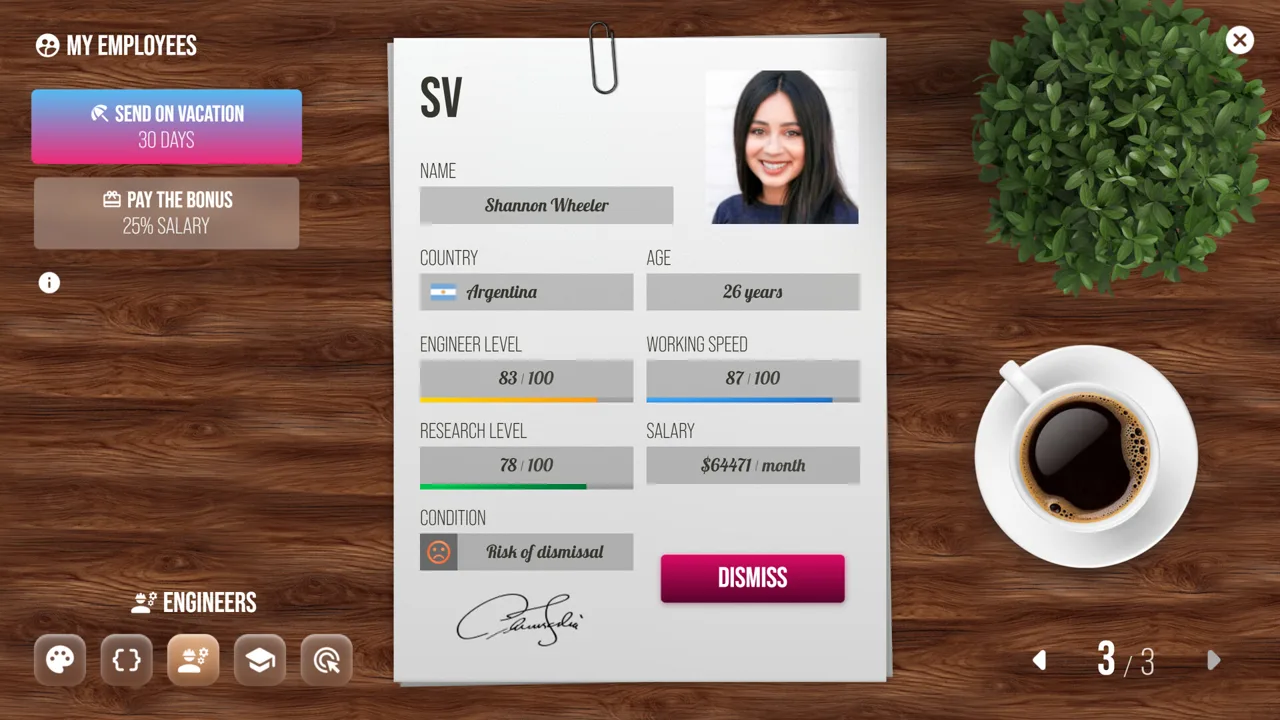
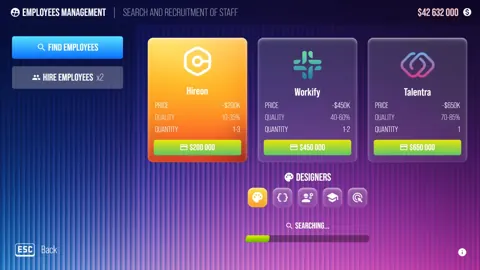
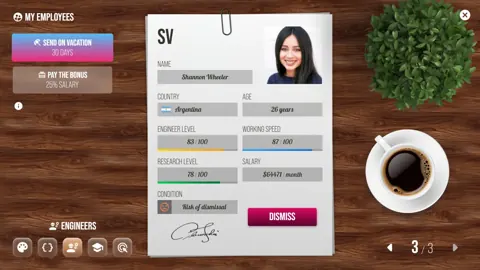
Devices Tycoon iOS gives you more to manage than hardware specifications. You recruit designers, programmers, and engineers from around the world, provide offices, and expand your business through stores and acquisitions.
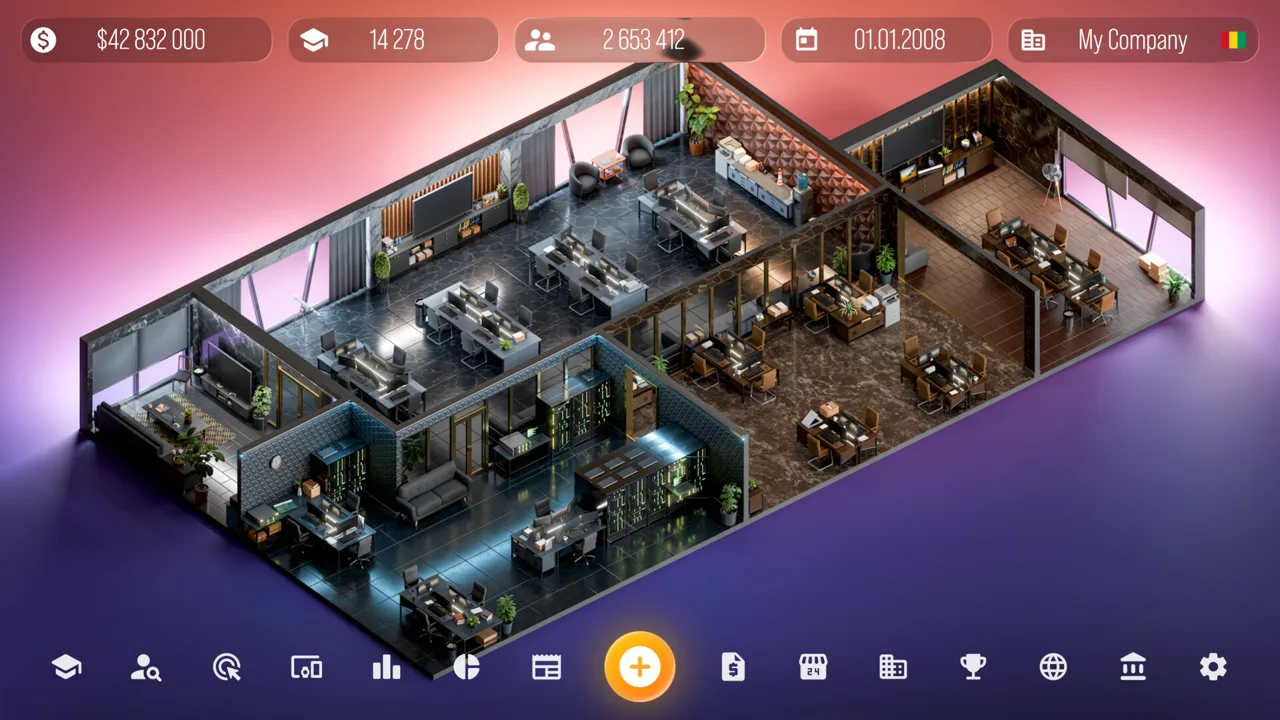 Image: Steam / Roastery Games
The core business loop connects product creation with customer response. Once your devices reach store shelves, customers review them. Higher review scores help sales, making feedback worth checking after a launch.
Use Reviews Alongside Financial Statistics
Look at customer scores when evaluating a release, then compare them with the detailed income and expense statistics. Reviews show how your device was received, while financial figures help you assess the business around it.
Keep both in view when planning another product. A device editor can draw your attention toward another camera or a different screen, but the company also has expenses to manage.
Before moving on from a launch, check:
- The device’s customer reviews.
- Your company’s income and expenses.
- The design choices you want to revisit.
- Any office or store expansion you are considering.
Use that check as a planning habit rather than assuming every new release calls for immediate expansion.
Hire Staff and Manage Offices
The game includes more than 16 offices that you can buy and upgrade for designers, programmers, and engineers. Staffing and workspace are therefore part of the company-building side of the simulation.
Review your finances before purchasing another office. Keep hiring and office decisions connected to your business plans instead of upgrading simply because another option is available.
The game also lets you hold product presentations before sales begin and study marketing. Work these features into your launch planning alongside the device itself.
Expand Beyond Product Design
You can open stores around the world, view company rankings, negotiate, and buy other companies. Those activities extend the game beyond a sequence of hardware launches.
Choose an objective for your next stretch of play: develop another product category, expand your store presence, or explore acquisitions. Each uses a different part of the management system and gives you a concrete reason to return to your company’s finances.
Updates That Expanded the iOS Game
Devices Tycoon iOS has received updates covering new product categories, deeper customization, business statistics, and fixes. Several additions are especially relevant when deciding which editors to explore.
 Image: Steam / Roastery Games
| Version | Feature additions and changes |
|---|---|
| 3.0.2 | TV editor, TV company rankings, TV operating system rankings, and an expanded review system |
| 3.1.0 | Custom soundbars for TVs, additional device reviews, and loading and interface fixes |
| 3.3.0 | Computer mice for laptops, detailed financial statistics, individual camera editing, and company renaming |
| 3.4.0 | Smartphone wallpapers, 68 new cameras, 50 watch straps, 13 TV remotes, 13 styluses, and expanded specifications |
| 4.0.0 | Electric scooter editor; released 04/19/2025 |
Explore the Expanded Hardware Options
Version 3.4.0 broadened more than cosmetic customization. It added options involving processor frequency, core counts, cache memory, GPU frequency, RAM, built-in storage, battery capacity, network types, and Bluetooth versions.
It also expanded video card memory choices and RAM options for additional laptop slots. If hardware design is your main interest, spend time exploring those component menus rather than stopping at color and packaging.
The accessory additions offer another direction. Watch straps, styluses, TV remotes, and laptop mice let you work on details surrounding the main device.
Keep Older Complaints in Their Version Context
Version 3.3.0 increased difficulty and included device-review fixes. Earlier updates also addressed review behavior, selling problems, and Sandbox issues.
Evaluate the version you are playing through its actual menus and results. Use the available financial statistics and customer feedback when adjusting your company, rather than carrying an older version’s balance assumptions into every decision.
Version 4.0.0 adds another creative outlet with electric scooters. Try that editor when you want to explore a product category beyond the phones, computers, and accessories already available.
Is Devices Tycoon iOS Free? Purchases and Sandbox Explained
Devices Tycoon iOS is free to download, with paid extras covering virtual resources, design options, Sandbox mode, and ad removal. Separate the download price from those optional purchases when deciding how you want to play.
The following U.S. prices provide a useful budget reference:
| In-app purchase | Price |
|---|---|
| 1,000 research coins | $1.95 |
| Sandbox mode | $6.99 |
| $1 billion in virtual budget | $3.59 |
| Access to the Flip device | $2.79 |
| Island Screen | $2.49 |
| $300 million in virtual budget | $1.00 |
| Remove ADS | $5.59 |
| 3-cooler graphics card | $2.69 |
These purchases serve different purposes. Research coins and virtual budget purchases add resources, while the Flip device, Island Screen, and 3-cooler graphics card relate to specific design options. Ad removal is a separate purchase.
Decide which feature you actually want before spending. Choose a design purchase for that particular option, or ad removal if that is your priority; avoid buying a resource package simply because it appears beside the feature you were looking for.
What Sandbox Mode Offers
Sandbox mode includes the ability to specify your company’s starting budget. That gives you a direct way to set the financial starting point for a company.
Use it when you want to experiment with a chosen starting budget. Check the Sandbox purchase price before committing, and distinguish that mode from the separate packages that add money to your virtual budget.
The game also includes the ability to select a starting year. Keep the year choice and budget setting in mind when planning the company you want to create.
Check Purchase and Privacy Settings
For a shared family device, review purchase controls before playing. A 4+ age rating and a free download do not remove the need to manage optional spending.
The app’s privacy information includes usage data that can be used for tracking across other companies’ apps and websites, along with usage data collected without being linked to your identity. Review your device’s privacy preferences when setting up the game.
FAQ
Is Devices Tycoon iOS available for both iPhone and iPad?
Yes. It supports iPhone with iOS 15.0 or later and iPad with iPadOS 15.0 or later. The app is designed for iPad and is also playable on supported iPhones.
Can you play Devices Tycoon without buying it upfront?
Yes. The download is free. Optional in-app purchases include research coins, virtual money, device design options, Sandbox mode, and ad removal. Sandbox mode has a separate U.S. purchase price of $6.99.
Can you make TVs and electric scooters?
Yes. The TV editor arrived in version 3.0.2, and later TV additions included custom soundbars and more remote controls. Version 4.0.0 added the electric scooter editor.
Can you use your own components in other devices?
Yes. You can use graphics cards you have created in the laptop editor. The game also includes dedicated processor and operating system creation, alongside its device editors.
Continue with
 Devices Tycoon PC Free Download: Windows Steam GuideDevices Tycoon pc free download guide: explore the Windows Steam release, PC requirements, Sandbox Mode, and updates before building your own tech company.
More in Platforms
See all Platforms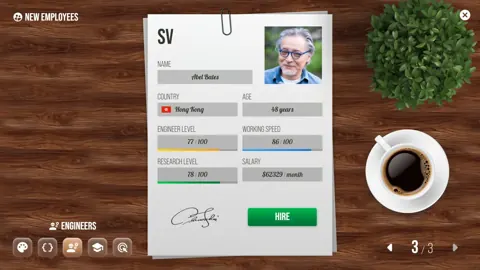
Popular pages
Devices Tycoon Release Date: Steam Launch and Updates
The Devices Tycoon release date was October 16, 2026, on Steam. Explore PC requirements, device creation, and updates before building your tech company.

Devices Tycoon Guide: Build and Grow Your Tech Company
Use this Devices Tycoon guide to manage employees, design devices, choose perks, research upgrades, and expand stores while keeping company costs in check.

Devices Tycoon Price: Steam Buying Guide and Features
Check the Devices Tycoon price on Steam, explore its device editors and Sandbox Mode, and review PC requirements before building your own tech company.
Devices Tycoon CPU Editor: Build and Balance Your Chip
Master the Devices Tycoon CPU editor with a guide to processor types, graphics, memory, cooling, and licenses. Plan custom chips for cost and performance.
Join the community
Game links and player communities: