
Devices Tycoon Guide: Build and Grow Your Tech Company
Use this Devices Tycoon guide to manage employees, design devices, choose perks, research upgrades, and expand stores while keeping company costs in check.
Jump to
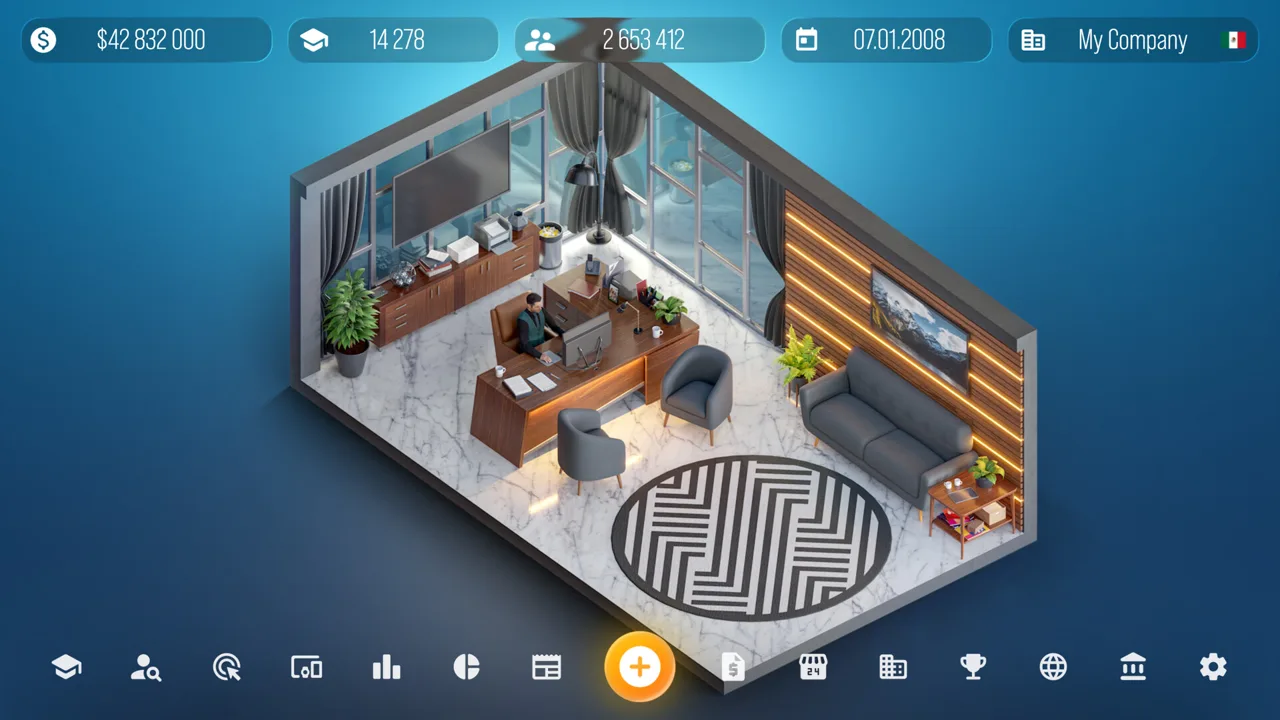
Devices Tycoon Guide: How to Start Your Company
Your next device launch starts with decisions about people, money, and technology. This Devices Tycoon guide walks you through those decisions so you can develop products while keeping expansion costs under control. Use this Devices Tycoon guide for the PC version to connect character perks, employee management, research, marketing, and retail growth.
Devices Tycoon lets you create tablets, laptops, smart watches, TVs, operating systems, and processors. Before chasing that entire catalog, focus on understanding the relationship between your team, your products, and your expenses.
At company creation, choose your business name, country, and starting capital. Your character profile also matters: answers covering early childhood through adulthood shape starting attributes and initial perks.
Read those choices carefully. They affect your opening opportunities and the direction of company development.
Choose Perks Around Your Current Plans
Perks are divided into five groups, each with independent progression. Actions related to a group increase its level. Production and Technology, for example, develops through research, R&D investment, factory contracts, and production improvements.
| Perk group | Progression structure |
|---|---|
| Management | Has its own level and perk choices |
| Economy and Infrastructure | Progresses independently of the other groups |
| Production and Technology | Develops through related research and production activities |
| Market and Audience | Has a separate progression track |
| Influence and Domination | Offers its own set of perks |
The system includes 80 perks. Reaching a new level presents a choice between two, and selected perks cannot be changed or rolled back.
Before committing, compare both descriptions against what your company is actually doing. Choose bonuses that support your planned activities, and account for any tradeoffs in the selection.
Keep this Devices Tycoon guide’s opening priority in mind: understand your commitments before adding more. That applies equally to permanent perks, new employees, and stores with ongoing expenses.
Official page: Devices Tycoon (roasterygames.com)
Hire Employees and Keep Them Productive
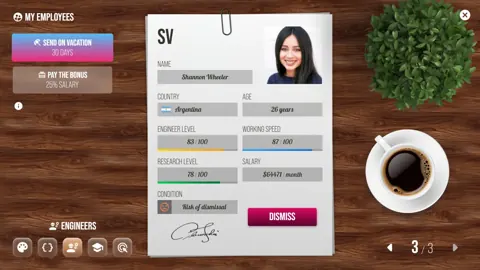
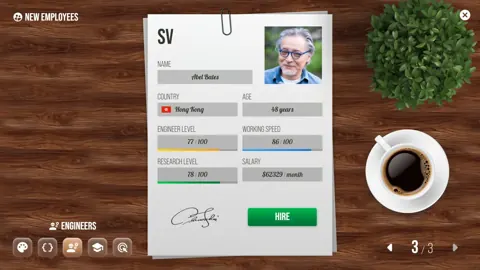
Recruitment starts with choosing an HR company. Different agencies have different characteristics that affect hiring, and you can spend more to attract skilled employees or recruit less experienced staff and invest in training.
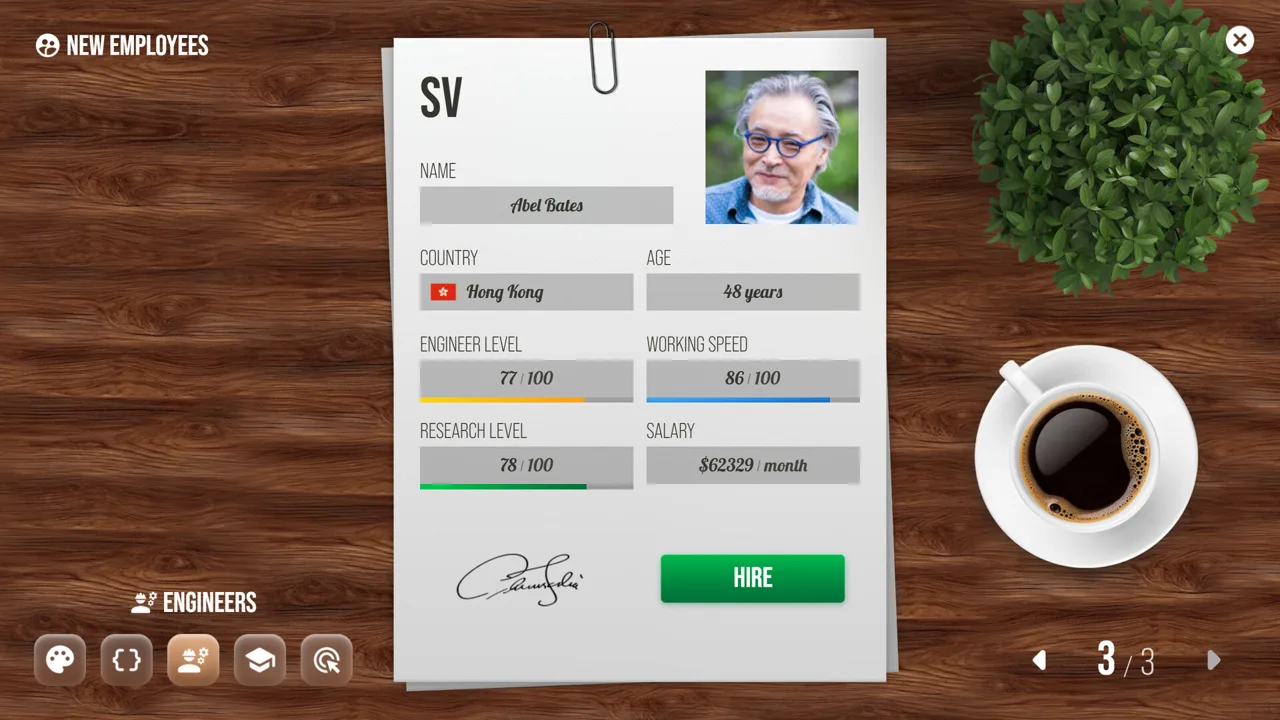 Image: Steam / Roastery Games
Compare recruitment and employee improvement costs together. Hiring a cheaper candidate still leaves a training expense if you intend to develop that employee.
The PC version has five main employee types:
| Employee type | Role or improvement effect |
|---|---|
| Designers | Part of your device development team |
| Programmers | Greater skill reduces product bugs |
| Engineers | Employee upgrades improve device quality |
| Researchers | Generate Research Points through laboratory work |
| Marketers | Experienced staff reduce campaign costs and improve efficiency |
Upgrade employees according to the problem you want to address. Focus on programmer development when improving software reliability, or engineer upgrades when working on device quality. Improved employees also generate more Research Points for developing device features.
Respond to Fatigue
Employees become tired over time. Vacations restore their condition but temporarily remove them from work, while bonuses provide a quick morale boost without that absence.
Check upcoming work before sending employees away. Use the bonus option when you need an immediate morale improvement and want staff to remain available.
Post-launch updates added convenient ways to handle this:
- The first post-launch update introduced bonuses for all employees from a fatigue notification.
- Update 1.3 added an all-employee bonus button directly to the office scene’s sidebar.
Office upgrades provide additional space and improve working conditions, mood, comfort, and productivity. Compare that lasting benefit with the temporary help offered by bonuses and vacations.
For staffing decisions, use this Devices Tycoon guide as a reminder to examine both capability and condition. Review employee upgrades, fatigue, and office conditions before committing money to another recruitment search.
Design Devices and Support Them With Research
The device editor covers physical appearance and hardware choices, including size, color, screens, processors, graphics cards, speakers, and packaging.
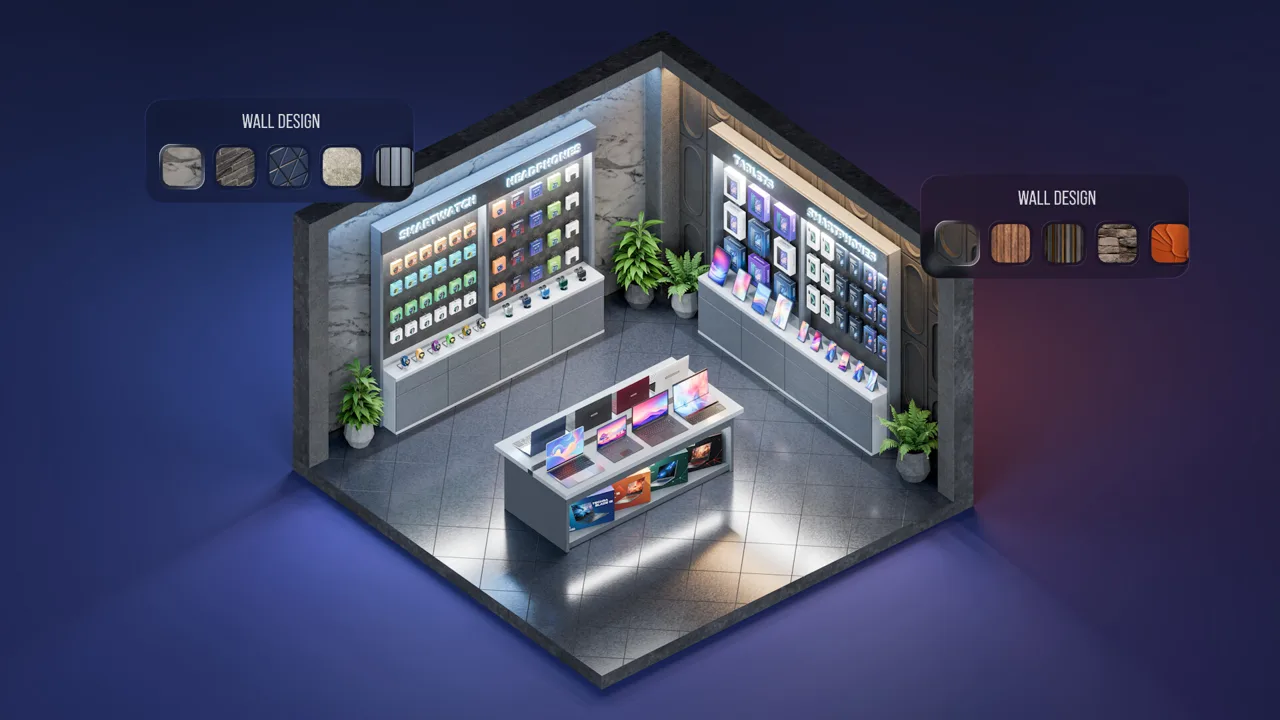 Image: Steam / Roastery Games
Give each project a clear design goal before working through those options. Decide what you want to change, then review the relevant settings carefully. With so many editable details, a deliberate plan makes comparisons between models easier.
Customer reviews matter because higher review scores improve sales. Read feedback after launch and use specific complaints to direct your next round of design changes.
Update 1.2 corrected reviews that incorrectly claimed earbuds lacked indicators. Update 1.3 also fixed several visual and text issues, including smartphone adapter positioning. Keep the PC game updated before spending time responding to an issue already addressed by a patch.
Reuse Settings for Follow-Up Models
Update 1.1 added the ability to copy settings from previous device models. It also stopped settings from resetting when switching between Budget, Standard, and Flagship.
Use a previous model as a starting point when developing a related device. Review the copied settings and change the features relevant to your new design rather than rebuilding every detail.
| System | What it provides | Action to take |
|---|---|---|
| Previous-model settings | Copies an earlier device’s settings | Use the earlier design as a starting point |
| Research Points | Fund device feature upgrades | Match spending to the features you plan to develop |
| Research laboratory | Generates points through research staff | Compare expansion and researcher upgrade costs |
| Factory production | Adds units after the in-house batch sells out | Review manufacturing arrangements for ongoing sales |
Keep Research Connected to Product Development
Employees generate Research Points while developing devices. Laboratories add another route, with research staff earning points autonomously.
Lab expansion increases staffing capacity, and researcher upgrades support further progress. Those improvements cost money, so compare them with your other development commitments before expanding.
Update 1.2 added Collect Research Points directly to the game menu. Use that shortcut to collect points without visiting the laboratory each time.
Manufacturing deserves attention alongside research. Your engineers produce an in-house batch, while external factories can automatically manufacture additional units after that batch is sold out.
Carry this Devices Tycoon guide’s planning habit into production: review how additional units will be made before relying on continued sales of a successful device.
Manage Marketing and Store Expansion
Marketing combines campaign settings with employee skill. Recruit marketers through an HR company, then manage campaigns through the Marketing Office and use the Marketing Editor to choose promotion type, daily budget, and target regions.
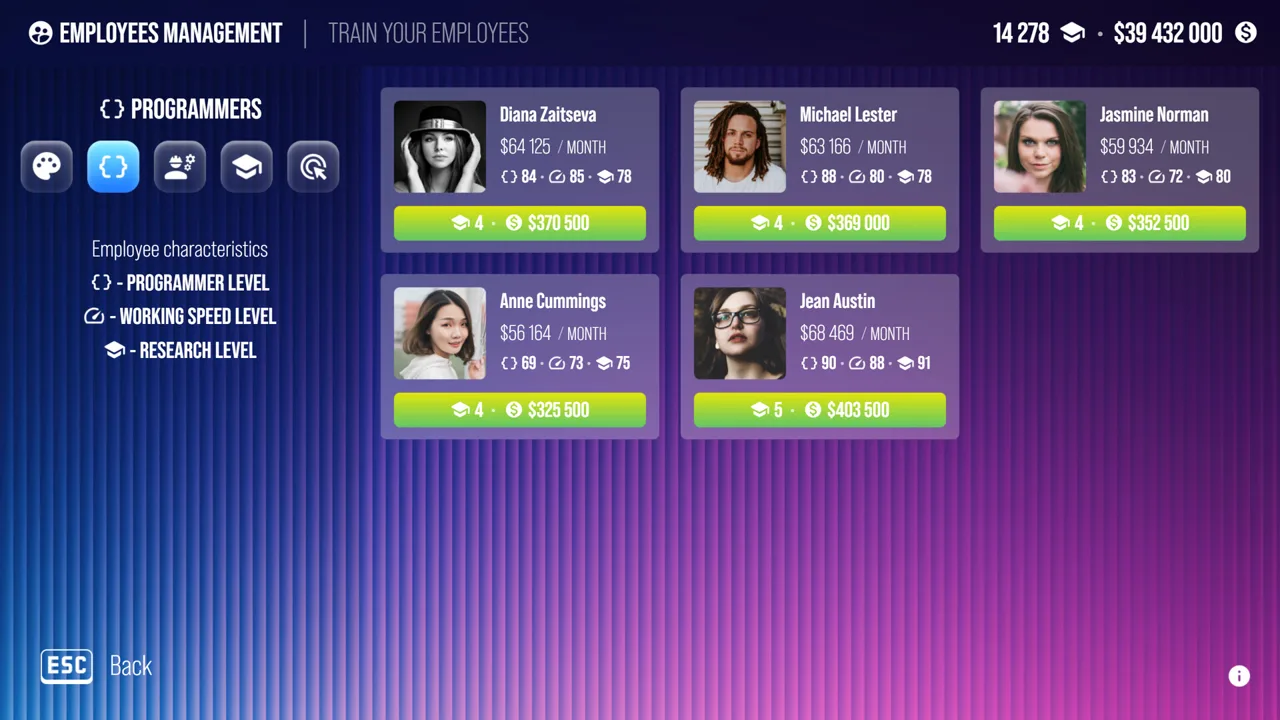 Image: Steam / Roastery Games
Experienced marketers can lower costs and improve efficiency. Campaign performance also depends on the settings you choose, so review both staffing and promotion choices when evaluating spending.
Marketing methods change in effectiveness over time. Perform marketing analysis regularly and use the results when choosing campaign types.
Devices can be promoted even after they leave sale. For campaigns intended to support current sales, double-check the selected product and its sale status before assigning the budget.
Compare Reach With Running Costs
Stores can be opened within one country or across several countries. Each location brings ongoing expenses, including utilities, employee salaries, and operational costs.
Review store income and expenses before adding more locations. Opening several at once creates several new financial commitments.
| Store statistic or feature | What it tells you | Action to take |
|---|---|---|
| Income | Money generated by stores | Compare it with operating expenses |
| Expense breakdown | Utilities, salaries, and other costs | Identify which expenses need attention |
| Customer visits | Traffic shown in country statistics | Review alongside income |
| Store upgrades | Improve customer flow and purchase conversion | Compare upgrade costs with current results |
| Store sales | Remove one, several, or all stores in a country | Consider selling when expenses substantially exceed income |
Store levels unlock additional visual options and layouts. More advanced stores can serve more customers per day, but they also have higher maintenance costs.
Treat appearance editing and expansion as financial decisions alongside creative choices. Check what a higher store level adds and what it costs to maintain.
Keep the distinction between marketing and retail clear: campaigns develop device popularity and attract fans, while stores have their own traffic, income, and operating expenses.
When applying this Devices Tycoon guide to expansion, evaluate those systems together. Review campaign spending and store performance before committing to another location or a larger retail operation.
Use PC Updates, Statistics, and Sandbox Tools
The PC updates add useful controls for managing an increasingly busy company. Learn these shortcuts early so routine tasks stay manageable as your business grows.
| Update | Relevant additions |
|---|---|
| First post-launch update | Autosave every 90 in-game days, unlimited Sandbox money, company renaming |
| Update 1.1 | Time acceleration, copied device settings, Sandbox access from the start |
| Update 1.2 | Detailed financial breakdowns, menu research collection, additional Sandbox controls |
| Update 1.3 | More detailed company finances, Devicesgram replies, sidebar employee bonuses |
Use the detailed company statistics to inspect income and expenses before making another investment. Review hiring, training, research expansion, marketing, and store commitments against the financial information available.
Avoid stacking several expensive changes without reviewing their combined cost. Compare each proposed purchase with your existing obligations, especially ongoing store expenses.
Learn the Editors in Sandbox Mode
Sandbox Mode is available from the start following Update 1.1. Its options include unlimited money and editable company fans. Update 1.2 added an Employees Are Always Happy toggle and a Research All button within each research category. Update 1.3 added Devicesgram follower customization.
Use those controls to explore device creation and research options without financial limits. Keep Sandbox’s special settings in mind when returning to a company where employee condition and spending require attention.
Autosave runs every 90 in-game days. The PC version also supports saving at any time and Steam Cloud. Save before experimenting with a major company change, and use time acceleration after reviewing the decisions that need your attention.
To put this Devices Tycoon guide into practice, follow a consistent review cycle:
- Inspect company income and expenses.
- Check employee condition and development needs.
- Review product feedback and research priorities.
- Examine campaign settings and store costs.
- Choose the next investment with those commitments in view.
FAQ
What should I focus on when starting Devices Tycoon?
Choose your character profile and perks carefully, then review hiring and development costs before expanding. Use this Devices Tycoon guide to connect employee improvements, research, product feedback, and company finances rather than managing each system in isolation.
Can I change perks after selecting them?
No. Perk choices cannot be changed or rolled back. Each perk group levels independently, and reaching a new level gives you a choice between two perks. Read both options before committing.
How do I earn and collect Research Points?
Employees generate Research Points during device development, and laboratory researchers earn them autonomously. Update 1.2 added a Collect Research Points button directly to the game menu. Spend the points on device feature upgrades.
Can I rename my company after starting?
Yes. Open Statistics → Company to change your company’s name. This option was added in the first post-launch update, so you can revise the name after your business is underway.
Continue with
 Devices Tycoon Starting Character Profile ExplainedDevices Tycoon starting character profile choices shape your attributes and perks. Learn how life stages and permanent perk decisions guide your company.
Popular pages
Devices Tycoon Release Date: Steam Launch and Updates
The Devices Tycoon release date was October 16, 2026, on Steam. Explore PC requirements, device creation, and updates before building your tech company.

Devices Tycoon Price: Steam Buying Guide and Features
Check the Devices Tycoon price on Steam, explore its device editors and Sandbox Mode, and review PC requirements before building your own tech company.
Devices Tycoon Android: Download and Gameplay Guide
Play Devices Tycoon Android and build a tech company with custom phones, laptops, processors, and more. Explore downloads, device design and business tips.
Devices Tycoon CPU Editor: Build and Balance Your Chip
Master the Devices Tycoon CPU editor with a guide to processor types, graphics, memory, cooling, and licenses. Plan custom chips for cost and performance.
Join the community
Game links and player communities: